Services are groupings of players that you will use to separate players in your organization. You can think of services as a way to separate your various teams throughout your organization. Types of services would be: Team, In-Season, Camp, Clinic, Remote, and Membership. Separating your services will allow you to keep your groupings of players smaller and give you visibility and insight across each of these smaller groups. Building programs will be much easier when separating players by services, as this will allow for entire groups to be selected upon program creation.
How Do I Create a New Service?
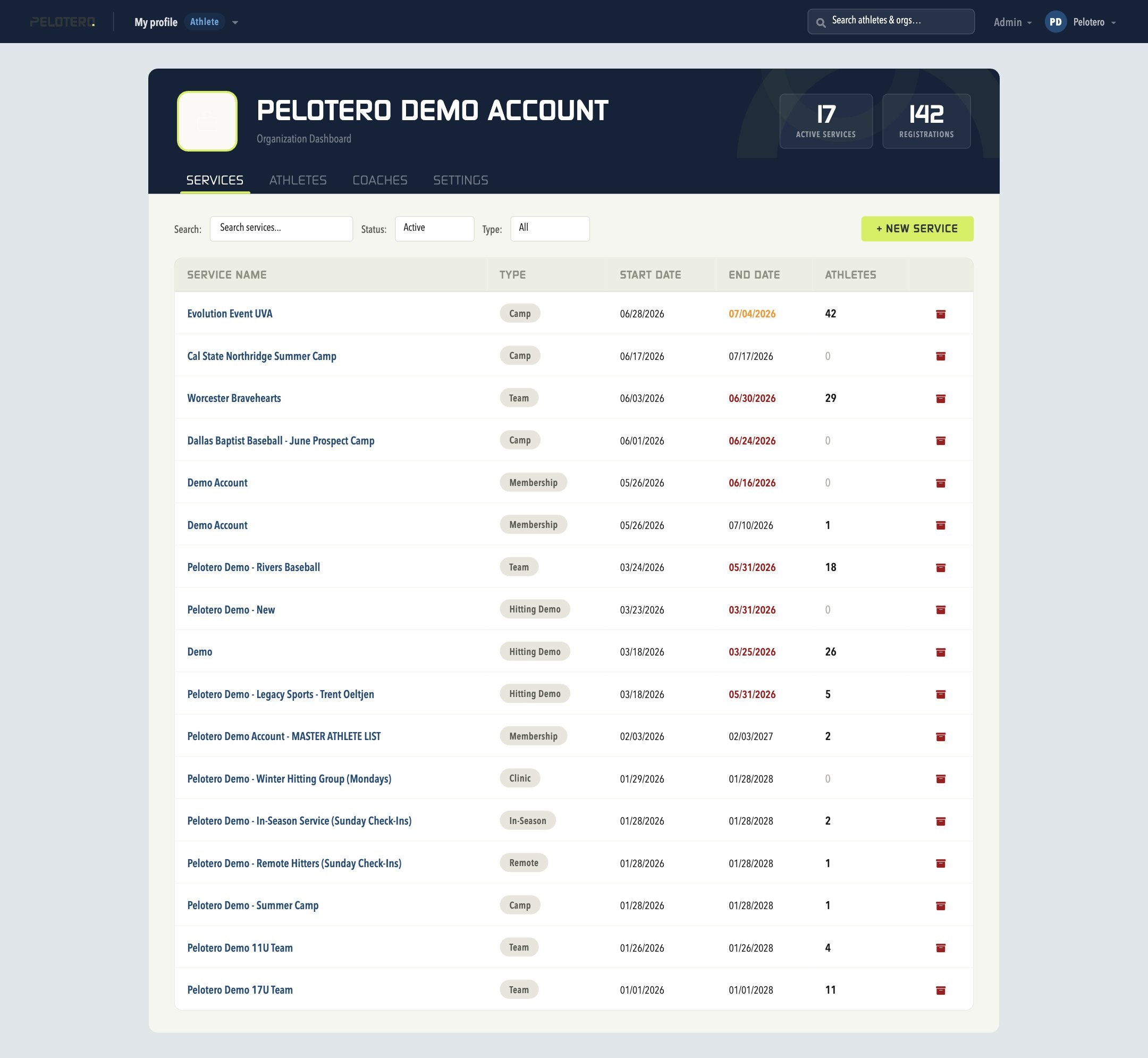
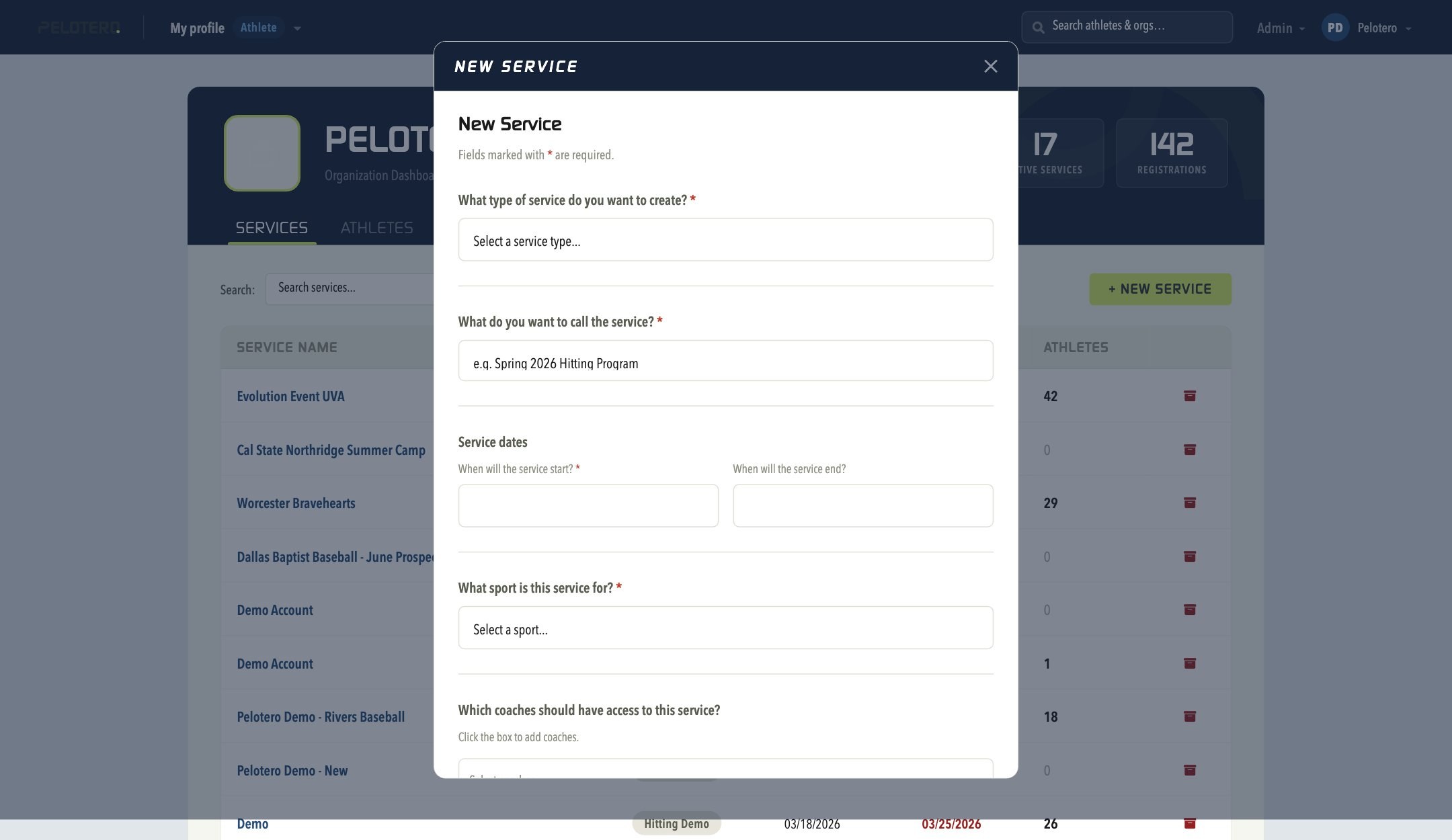
Creating a new service no longer requires emailing Pelotero support — organizations can now self-serve. From the Services tab of your Organization Dashboard, click the + New Service button. A guided form walks you through: the service type (Team, In-Season, Camp, Clinic, Remote, or Membership), a name for the service, start and end dates, the sport, and which coaches should have access to it.
Can I Edit an Existing Service?
Yes. Open the service and use the Edit button on its dashboard to update the start/end dates, service type, name, and assigned coaches directly — no email required.
Why Editing Service Dates Matters
As described in the article about Org Pay or Athlete Pay Designations, players will only have access to their accounts through "Org Pay" services, as long as the services are active. Once those services end, athletes will be asked to insert their credit cards to pay the monthly subscription fee for Pelotero.
Was this article helpful?
That’s Great!
Thank you for your feedback
Sorry! We couldn't be helpful
Thank you for your feedback
Feedback sent
We appreciate your effort and will try to fix the article