There are two ways to create hitting plans for multiple athletes, found on separate tabs within each individual Service: Hit Sessions and Hitting Programs.
Hit Sessions
Sessions give the coach the ability to create a single day workout for individual athletes within a service, and give the easiest possible way for the coach to visualize each player's hit plan. Examples of when a coach or organization would want to use an individual Session include: younger players with no device; a small number of players from a team working out; and varying the cadence of the workout (tee, flips, BP, etc.). Click Create Session, fill in the required information in the modal, and choose from the list of athletes present for that day's session (or select all athletes in the service). Once created, the session is listed under the Hit Sessions tab and can be opened by any coach on the service; late arrivals can be added from inside the session.
Hitting Programs
The biggest difference between programs and sessions: Programs can run for multiple days per week and multiple weeks at a time, and they live in the athlete's own Workouts tab rather than a single shared session view. Click Create Program, name it, select a start date and number of weeks, choose the athletes to assign it to, and choose a Program Template — which sets the number of hitting days per week and the ball-delivery cadence (tee, flips, BP) players will work from over that period. Each assigned player then sees their individually scheduled Workout Days appear in their own profile; the workouts themselves are not generated until the athlete starts each one, so the most current data available is always used.
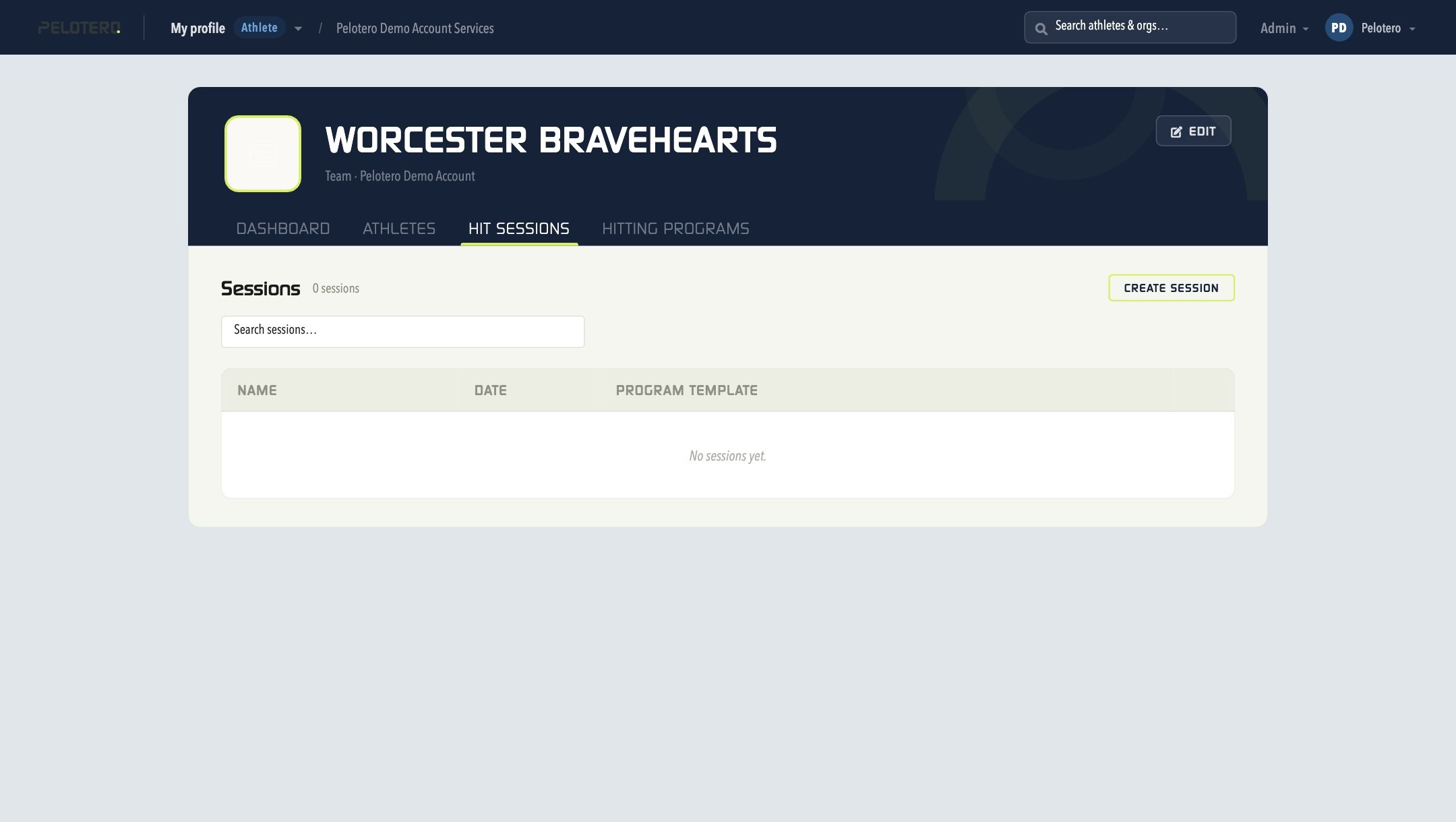
[[IMAGE: 12-service-hitting-programs.jpg — Service Hitting Programs tab]]
Was this article helpful?
That’s Great!
Thank you for your feedback
Sorry! We couldn't be helpful
Thank you for your feedback
Feedback sent
We appreciate your effort and will try to fix the article