In order to build a single day hit plan for an individual athlete, coaches can access an athlete's page directly, and choose to generate a workout, on the athlete's workout tab.
You can access an athlete profile individually and selecting a specific athlete.
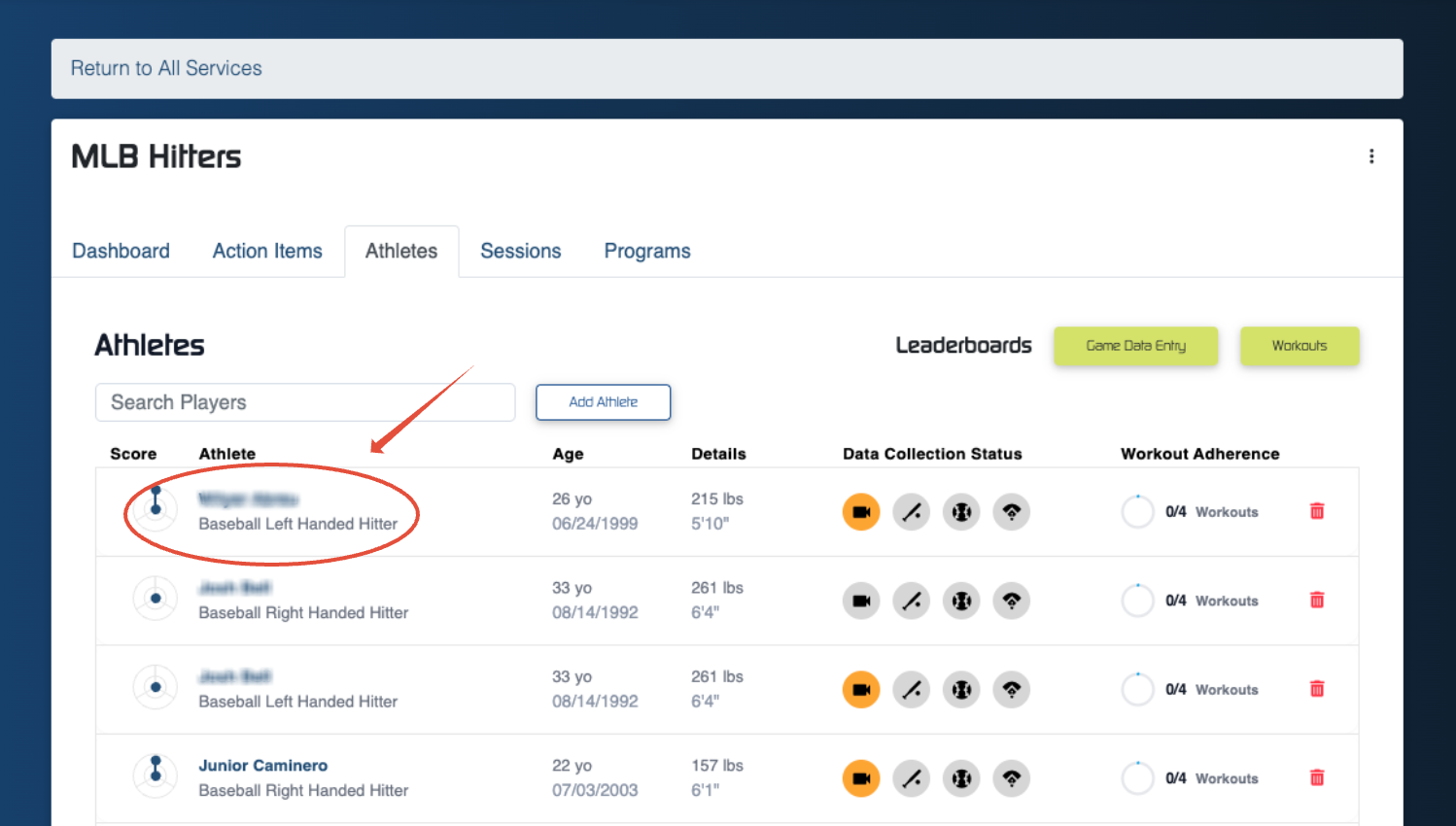
Once you've selected an athlete, you can click directly into the 'Workouts' tab.
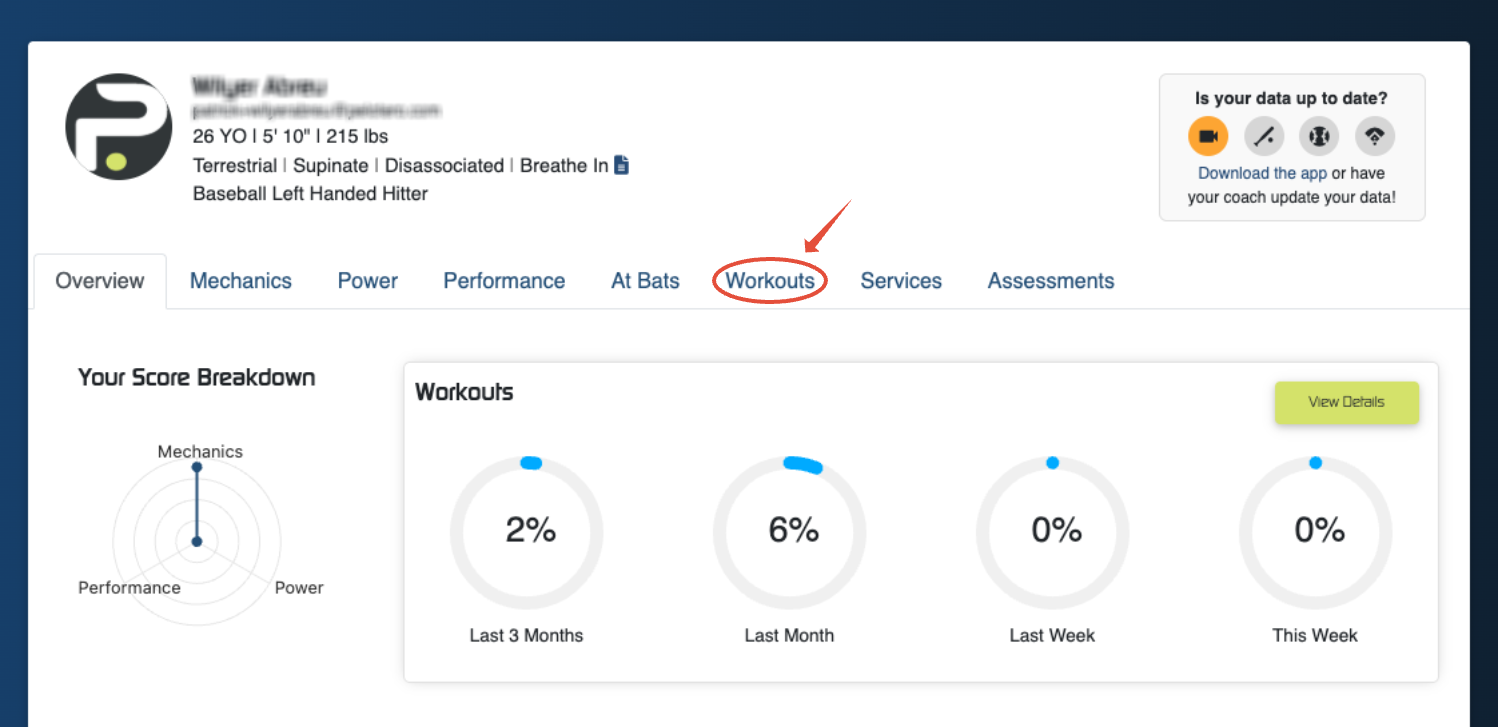
Once you've accessed the workout tab, you will notice that the athlete will have a number of workouts already listed on this page, as a recommendation from Pelotero, based on their age, and the current time of the year. Coaches and the players themselves, can access these workouts and build a hit plan from here by clicking on the 'Capture Session' button.
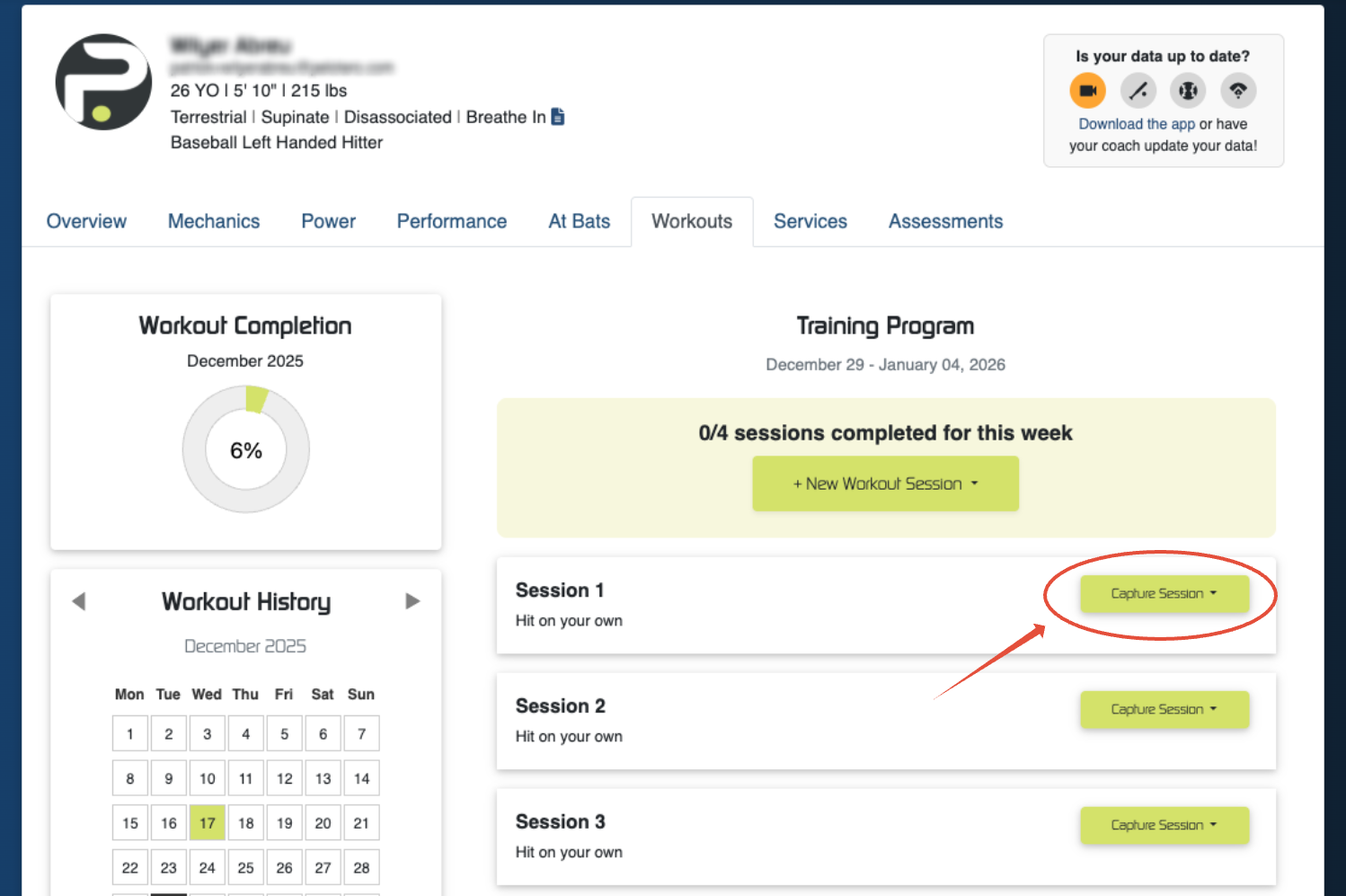
Clicking this will provide two options:
- Log Completed Workout
- Generate One-Time Workout
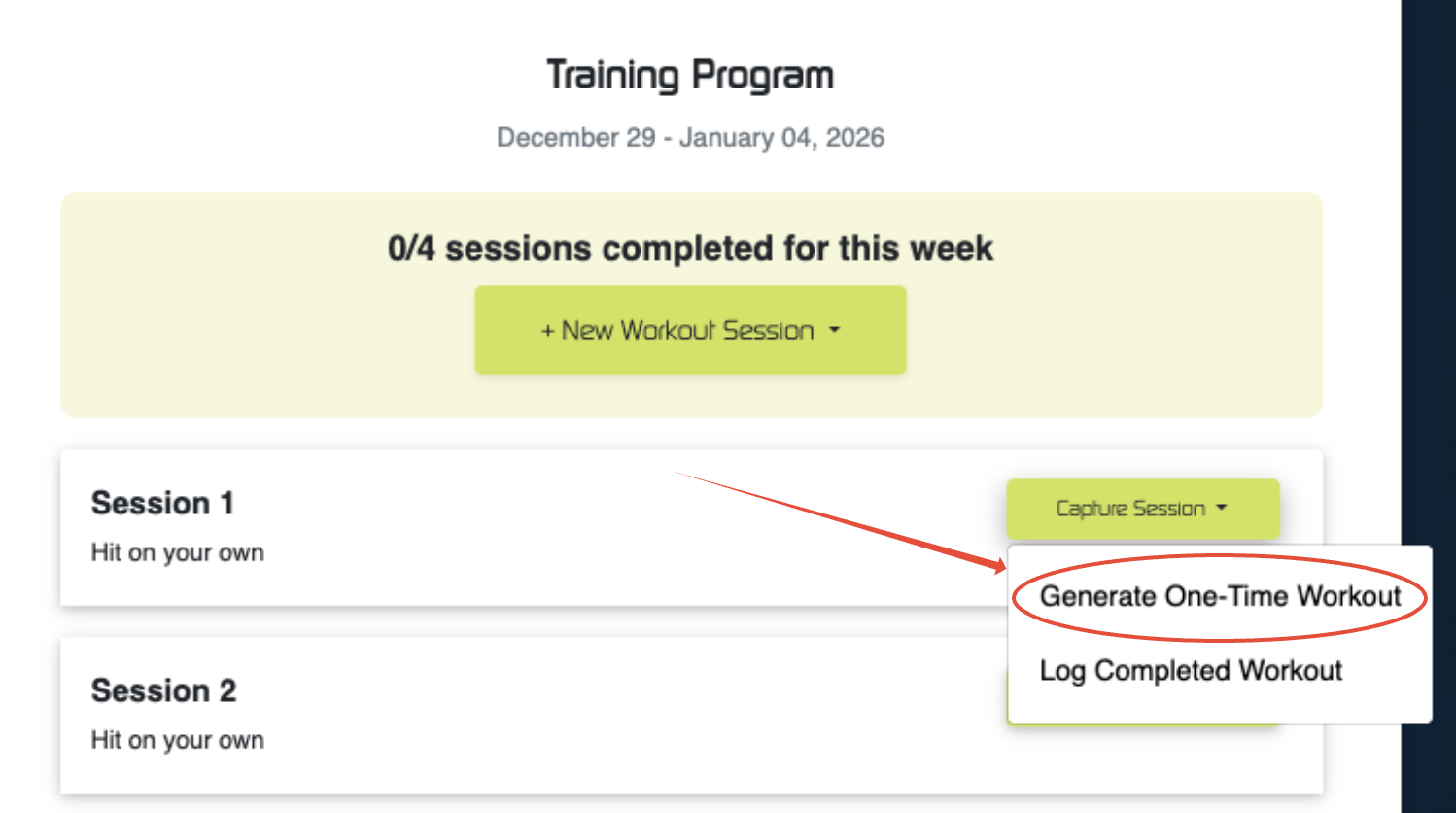
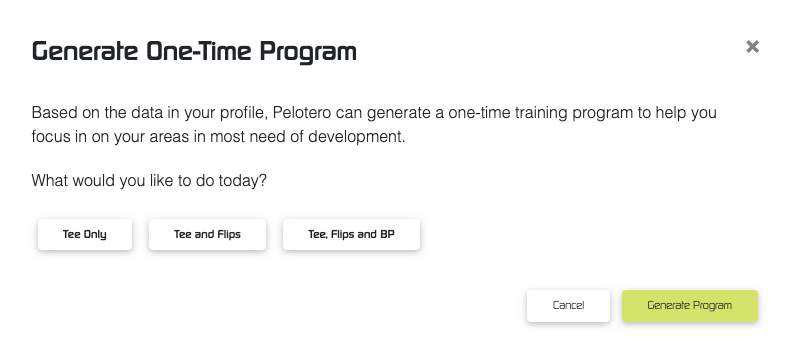
By generating a one-time workout, you will be creating a fully custom hit plan for the specific player (based on most recent data) and be able to choose between three different workout types:
- Tee
- Tee and Flips
- Tee, Flips, and BP
Once a workout has been generated for the player, it will count toward their workout completion progress.
Was this article helpful?
That’s Great!
Thank you for your feedback
Sorry! We couldn't be helpful
Thank you for your feedback
Feedback sent
We appreciate your effort and will try to fix the article