To ensure video will be processed properly, please use 240 frame per second video, recorded on the open side of the hitter, with nothing between the camera and the hitter.
Step 1: Select Your Service. Log in to your Pelotero dashboard and select the specific team or camp you wish to manage.
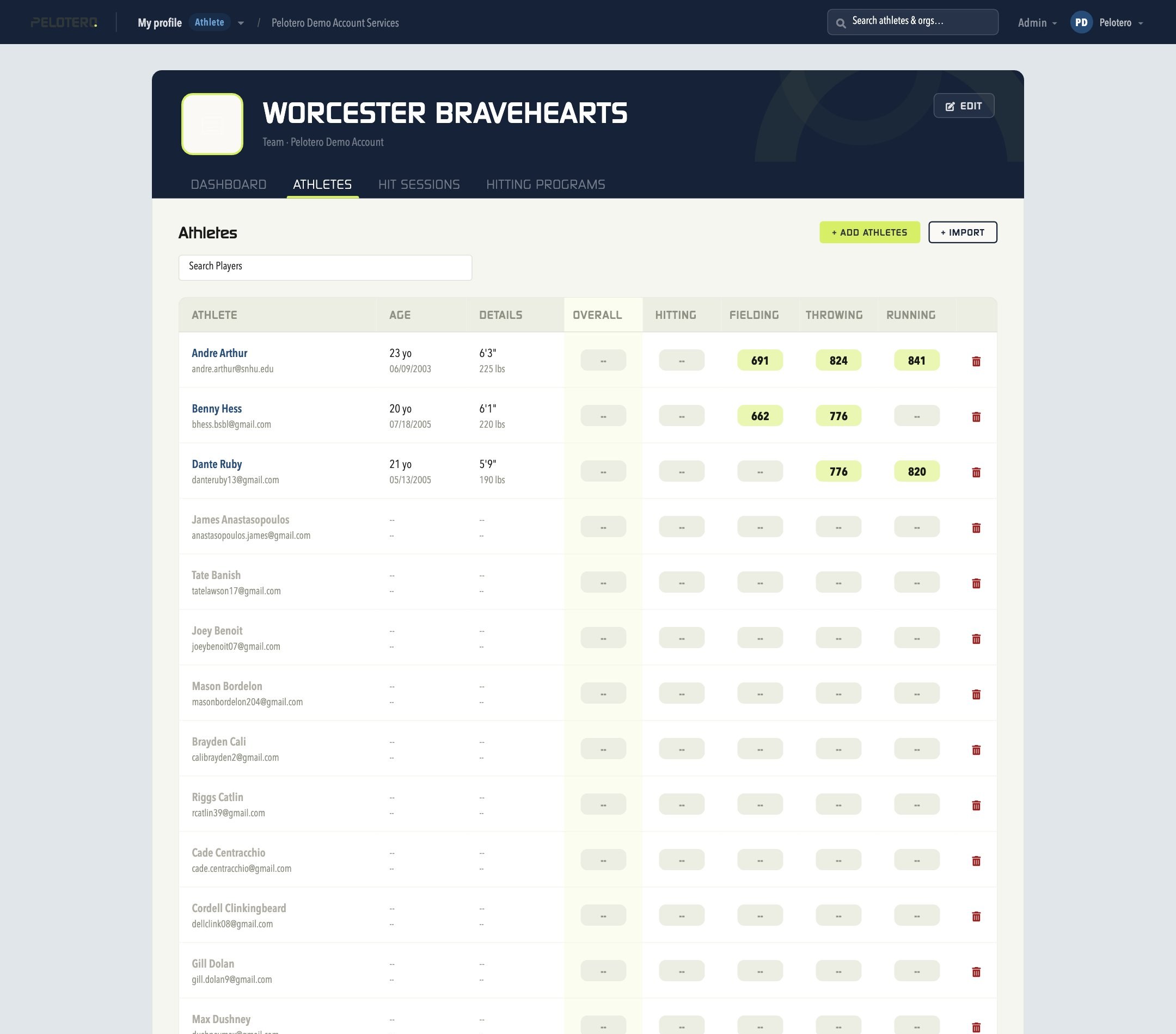
Step 2: Access the Athlete List. Click the Athletes tab to bring up your roster, showing names, ages, and data collection statuses.
Step 3: Manually Upload Hitter Video. Locate the athlete you wish to update, open their video data collection option, choose a video from your files, and submit to save the upload.
Was this article helpful?
That’s Great!
Thank you for your feedback
Sorry! We couldn't be helpful
Thank you for your feedback
Feedback sent
We appreciate your effort and will try to fix the article