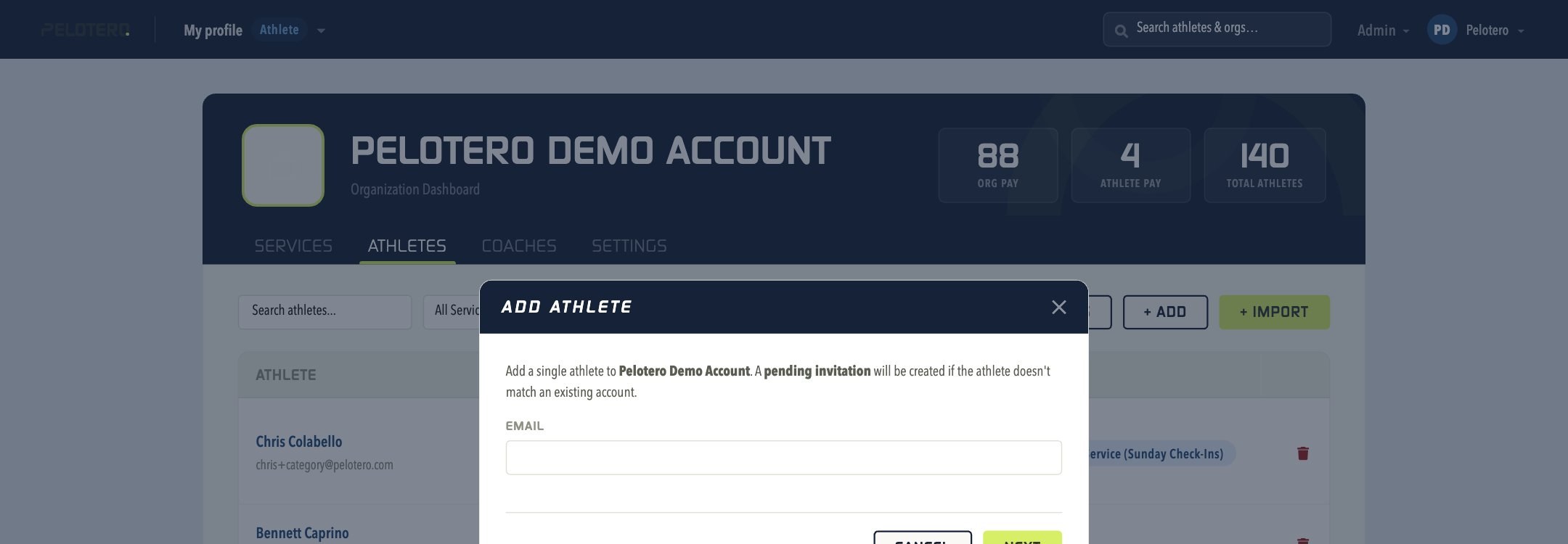
When you add a new athlete by email, Pelotero automatically creates a pending invitation if that email doesn't match an existing account. Once an athlete has accepted their invitation and agreed to join the service, they become "Active" in the platform. Athletes can also become "Active" if an organization has created a Service designated as Org Pay. Regardless of Active status, an organization may begin the data collection process for that player — the data just won't process until the athlete's state switches to Active.
If Your Athletes Don't Receive an Invitation
Have them check their spam and junk folders first. If it's still missing, contact Pelotero at support@pelotero.com for assistance.
If an Athlete's Invitation Link Has Expired
Have the athlete go to app.pelotero.com, enter their email address, and click "Forgot your password?" This sends a link to reset their password and log in to the platform.
Was this article helpful?
That’s Great!
Thank you for your feedback
Sorry! We couldn't be helpful
Thank you for your feedback
Feedback sent
We appreciate your effort and will try to fix the article