In order to edit your 'Organization Profile' click on the menu item in the top right part of your screen.
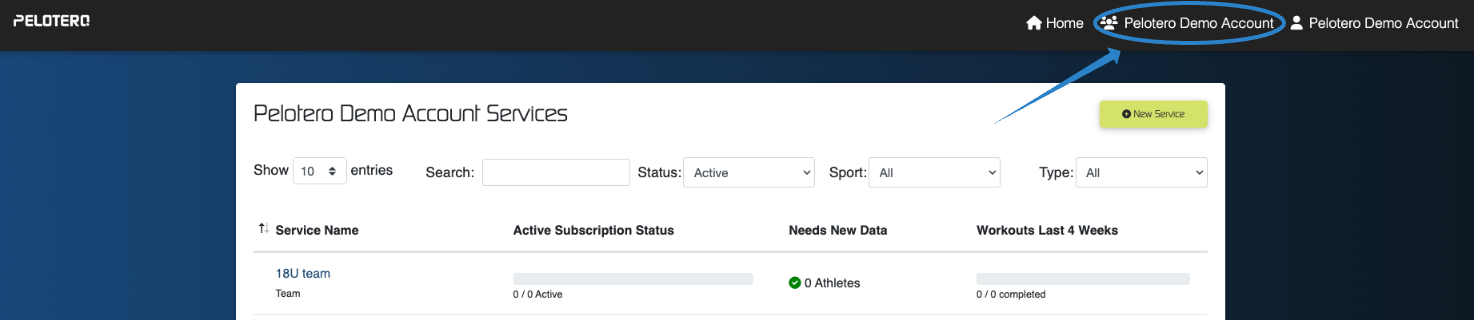
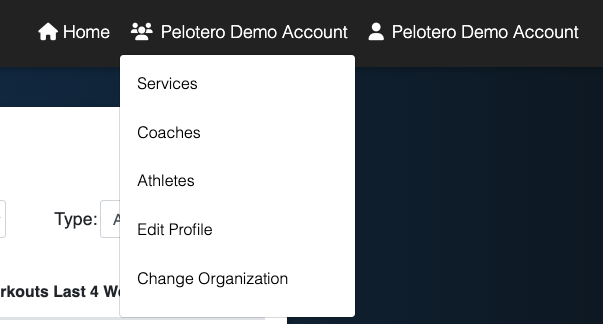
From this menu, you will be able to:
- Access your Services
- View All Athletes
- Add Coaches and Edit Coach Permissions
- Edit your Organization Details (Business Address, Organization Logo, etc.)
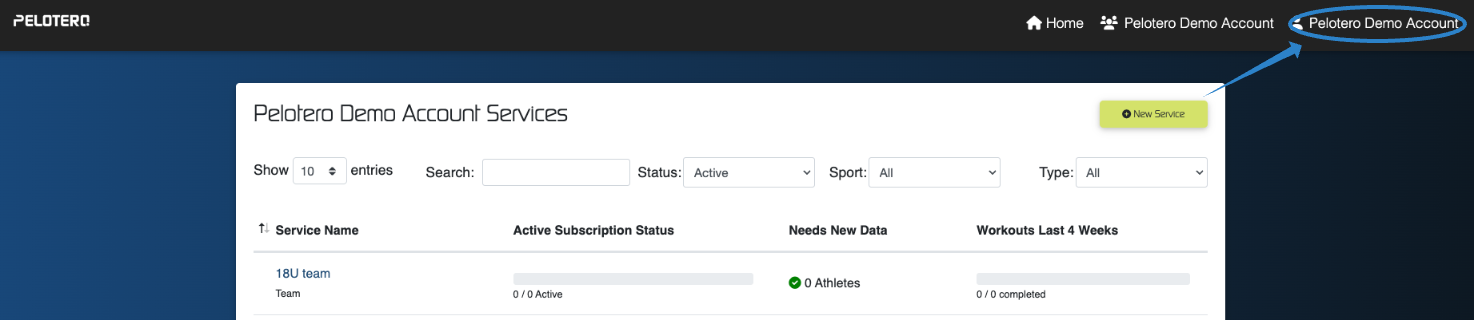
To the right of this item is your individual 'User Profile' which will allow you to edit personal details, and logout of the platform.
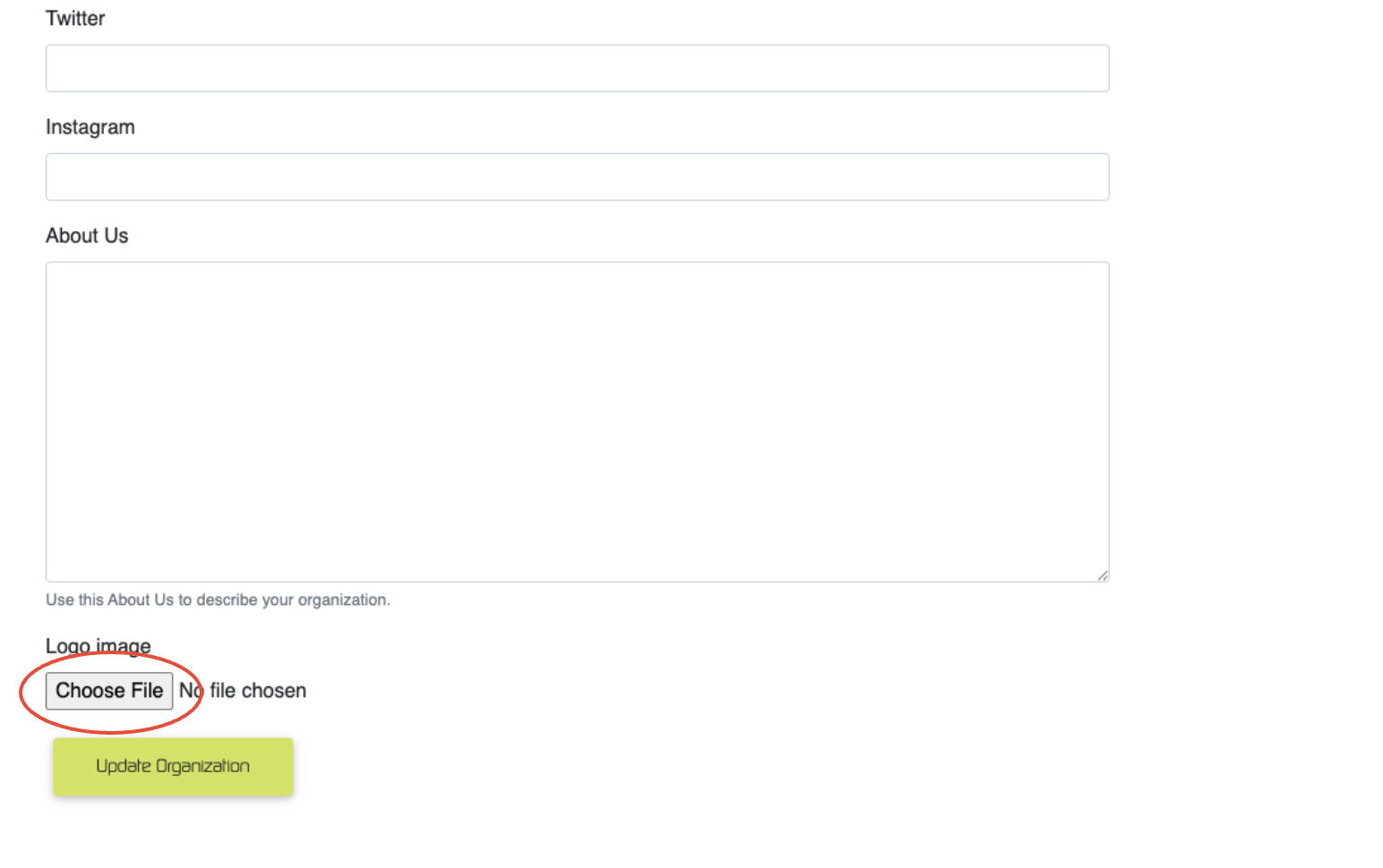
Edit your Logo
At the bottom of the 'Edit Profile' menu item, you can add or update the logo for your organization that will be shared with all your players as your invitations are sent out. To add a logo just click 'choose file' and choose an image stored on your device.
Was this article helpful?
That’s Great!
Thank you for your feedback
Sorry! We couldn't be helpful
Thank you for your feedback
Feedback sent
We appreciate your effort and will try to fix the article