Pelotero has a companion iOS app that coaches use to collect data in the field — primarily swing video and bat sensor readings. Athletes also use the app to complete workouts and track progress. The mobile experience is designed around data capture and quick access to the same Player Intelligence scores available on the web.
1.1 Navigation
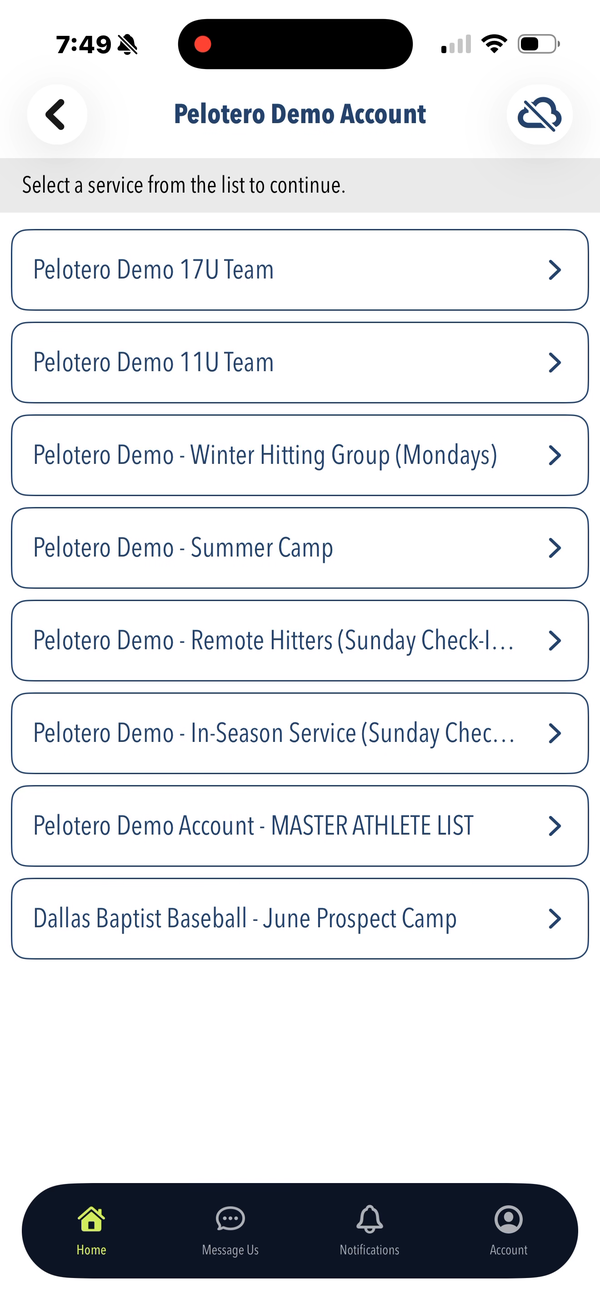
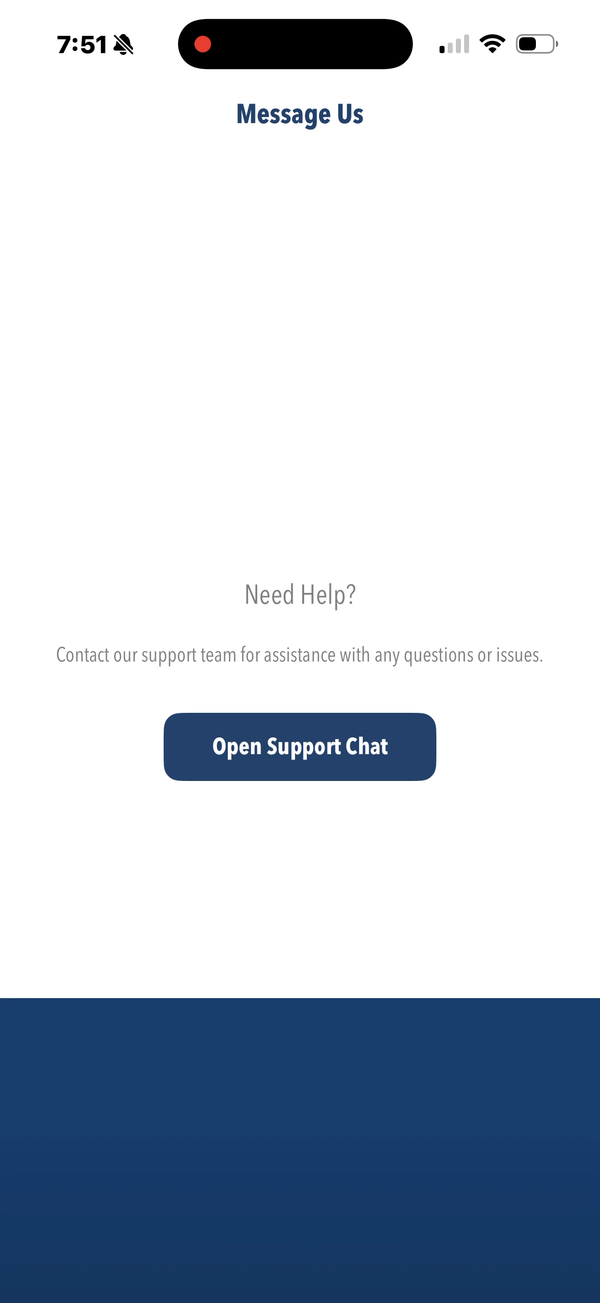
The bottom navigation bar has four tabs: Home (service selection list), Message Us (live support chat powered by Freshdesk), Notifications (alerts for new scores, uploads, and activity), and Account (profile and settings).
1.2 Home — Service List
After logging in, coaches see a list of all their services. Tapping a service opens its action menu with four options: Manage Player List, Collect Player Data, Sessions, and Import DK Data.
1.3 Collecting Player Data
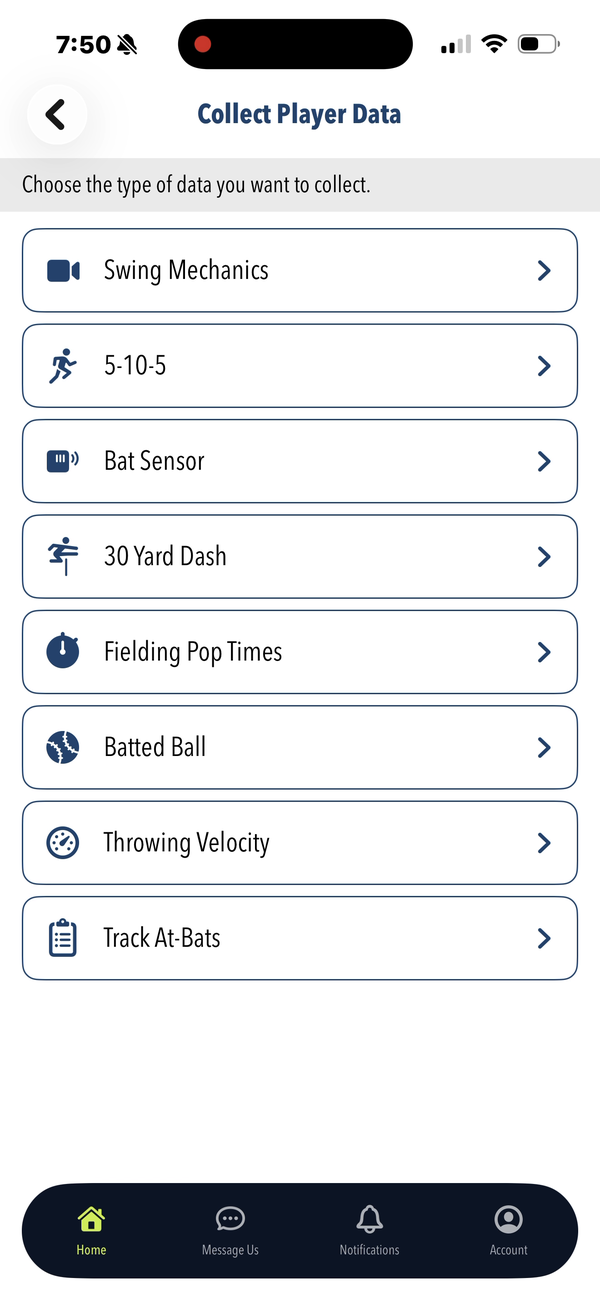
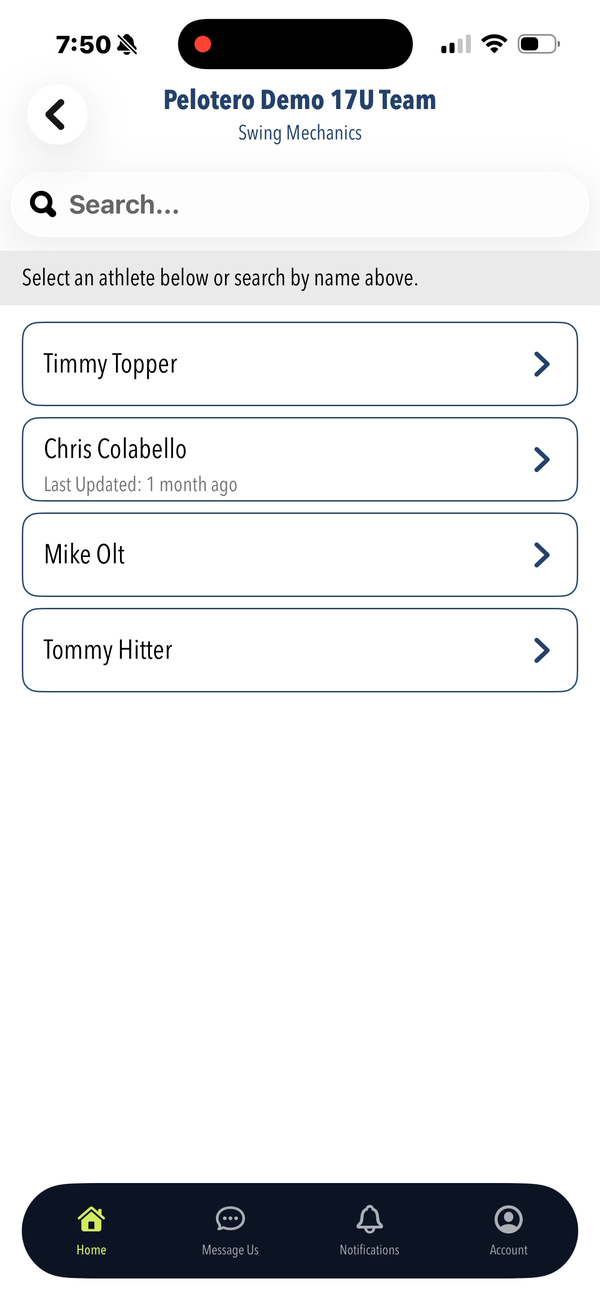
The primary mobile workflow. After selecting a service, coaches tap "Collect Player Data" and choose the data type, then select an athlete and begin. Available data types: Swing Mechanics, 5-10-5 (agility drill timing), Bat Sensor, 30 Yard Dash, Fielding Pop Times, Batted Ball, Throwing Velocity, and Track At Bats (live game performance).
1.4 Swing Video Capture
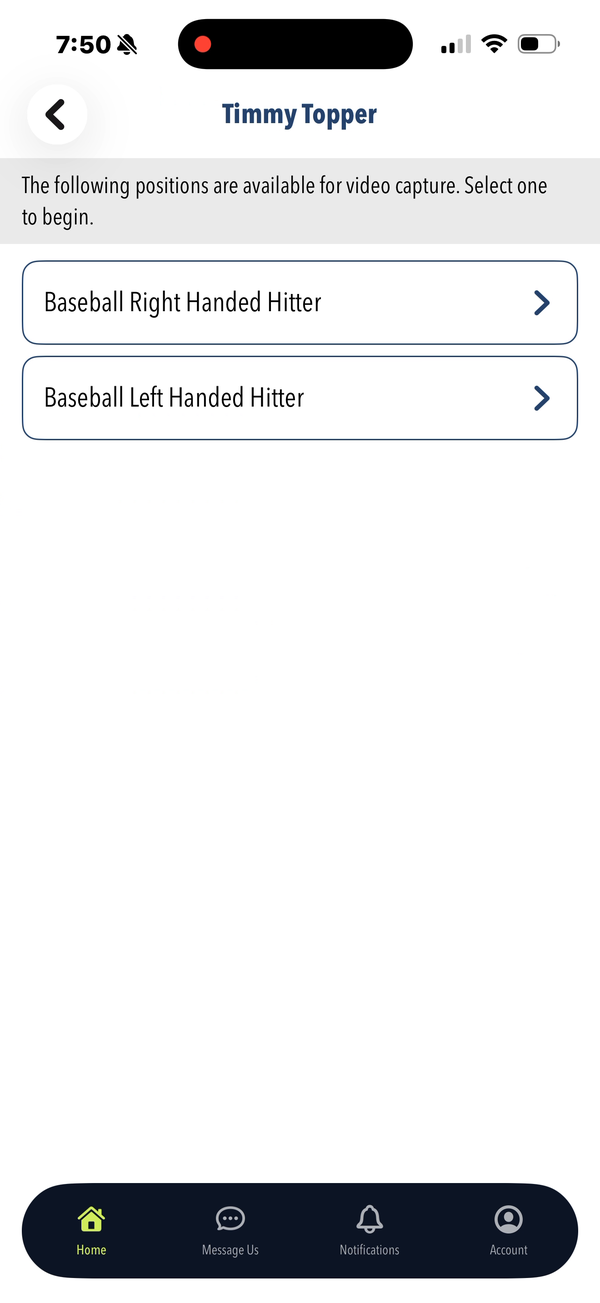
When collecting Swing Mechanics, the coach selects an athlete, chooses their batting position, and records a swing video. The app prompts to rotate the device to landscape for recording. Videos are uploaded automatically and processed by Pelotero's AI to generate the Mechanics checkpoint scores visible on the web portal.
1.5 Dashboard & Leaderboards
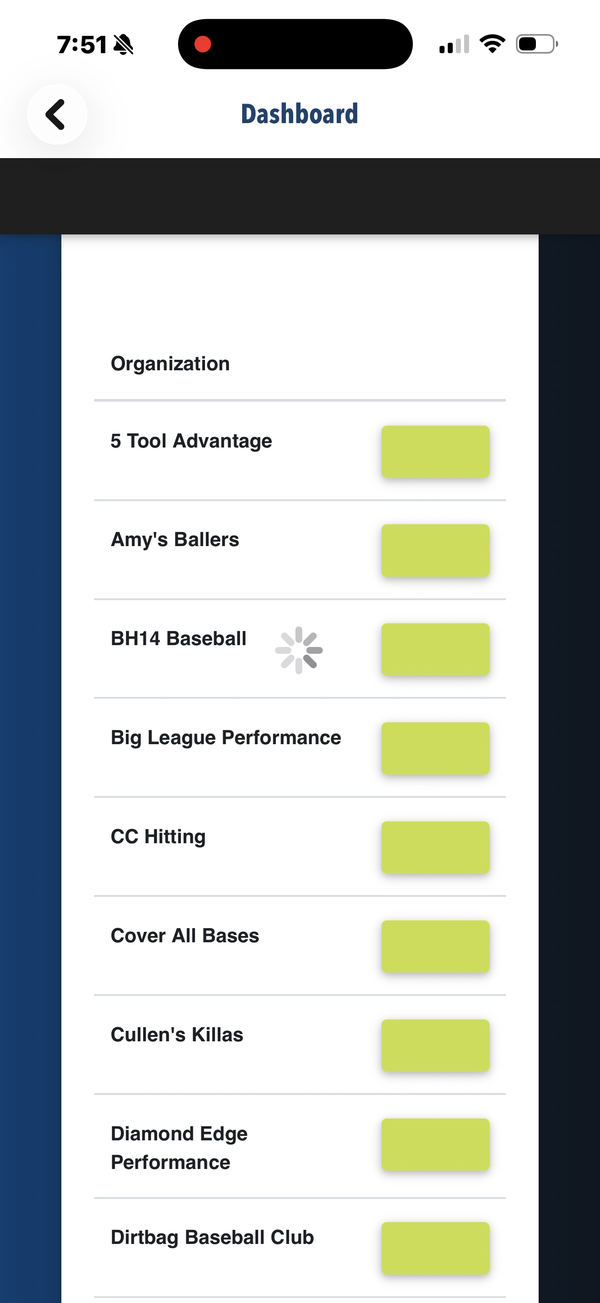
The Dashboard tab shows organization-level leaderboard data. Teams and groups are listed with color-coded progress indicators showing relative performance across athletes.
1.6 Support & Activity
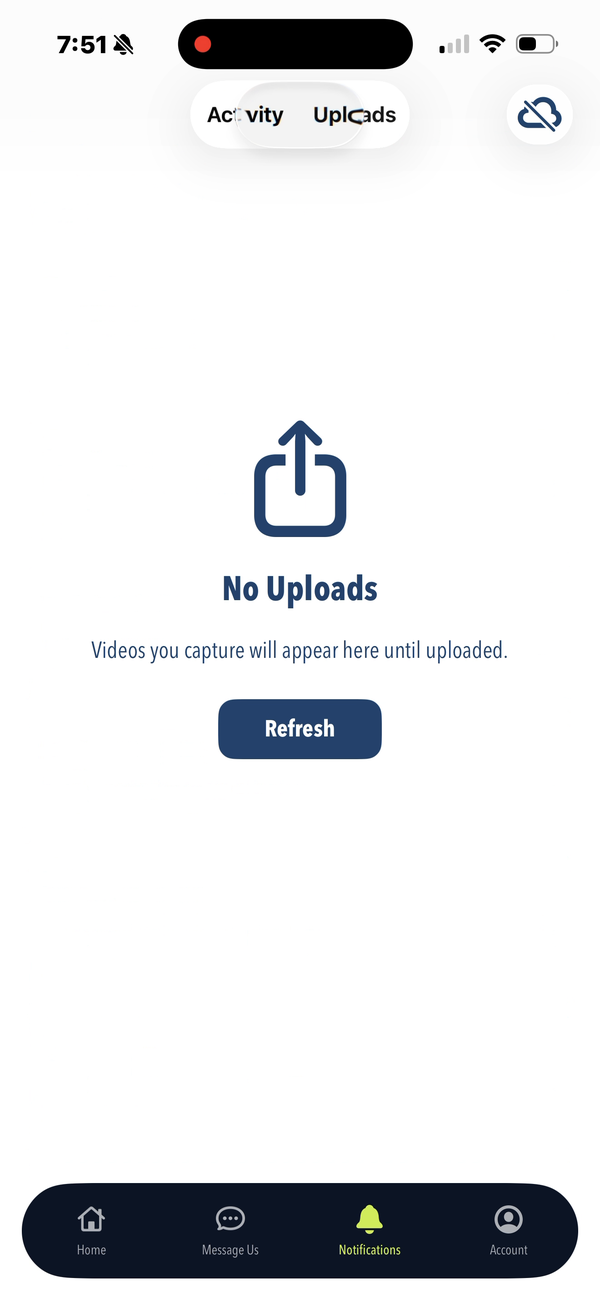
The Message Us tab opens a support chat interface to contact the Pelotero support team. The Activity tab (visible after selecting a service) shows a chronological feed of recent events — video uploads, score generations, and game logs — for all athletes in that service. The Uploads tab shows pending and completed video uploads.
Was this article helpful?
That’s Great!
Thank you for your feedback
Sorry! We couldn't be helpful
Thank you for your feedback
Feedback sent
We appreciate your effort and will try to fix the article