1. Athlete Profile
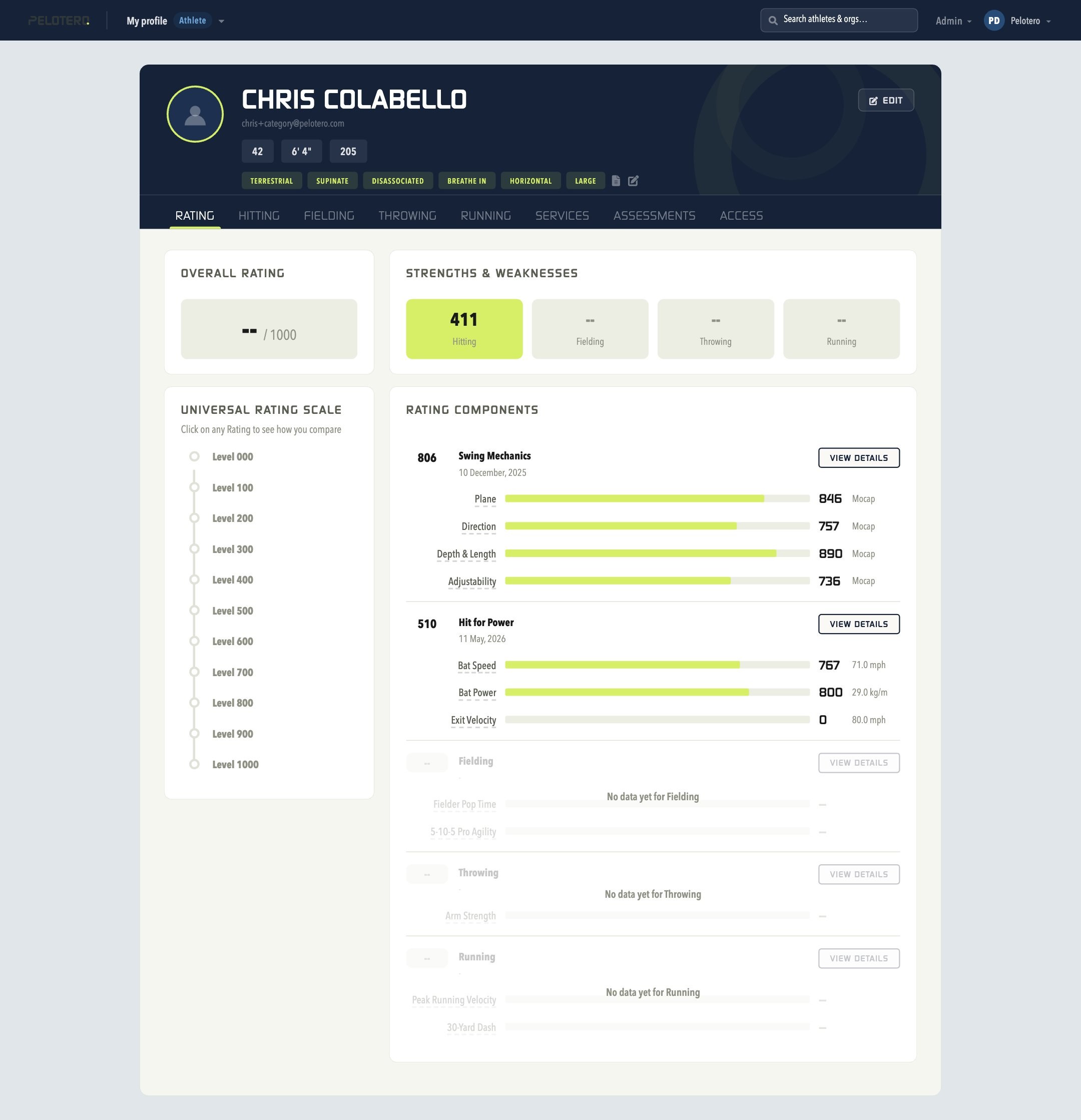
The Athlete Profile is the core of Pelotero's Player Intelligence system, accessed by clicking any athlete's name from a Service's Athletes tab or the Organization Athletes list. When a coach opens a profile, it's wrapped in a broader set of tabs — Rating, Hitting, Fielding, Throwing, Running, Services, Assessments, and Access — reflecting everything Pelotero tracks for that athlete beyond hitting alone. The Rating tab is the entry point: it shows the athlete's Overall Rating out of 1000, a Strengths & Weaknesses breakdown, a Universal Rating Scale (Level 000–500+) benchmarking them against competition levels, and Rating Components with a "View Details" link into each skill area.
The Hitting tab is where the original six-tab Player Intelligence experience lives: Overview, Mechanics, Power, Performance, At Bats, and Workouts. The top of every profile shows the profile photo, name, and contact email; age, height, and weight; and swing-tag pills describing physical/mechanical tendencies.
1.1 Overview Tab
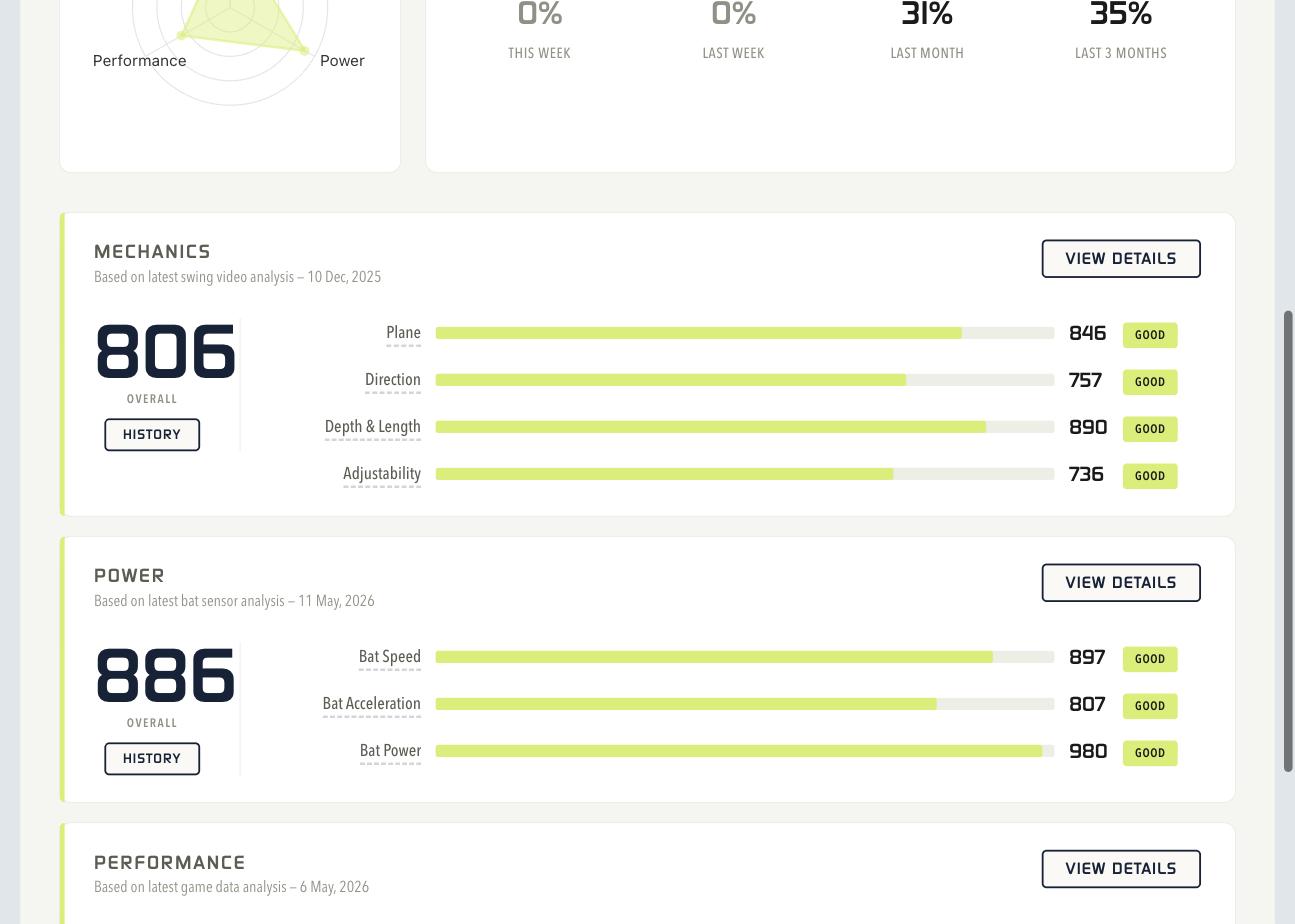
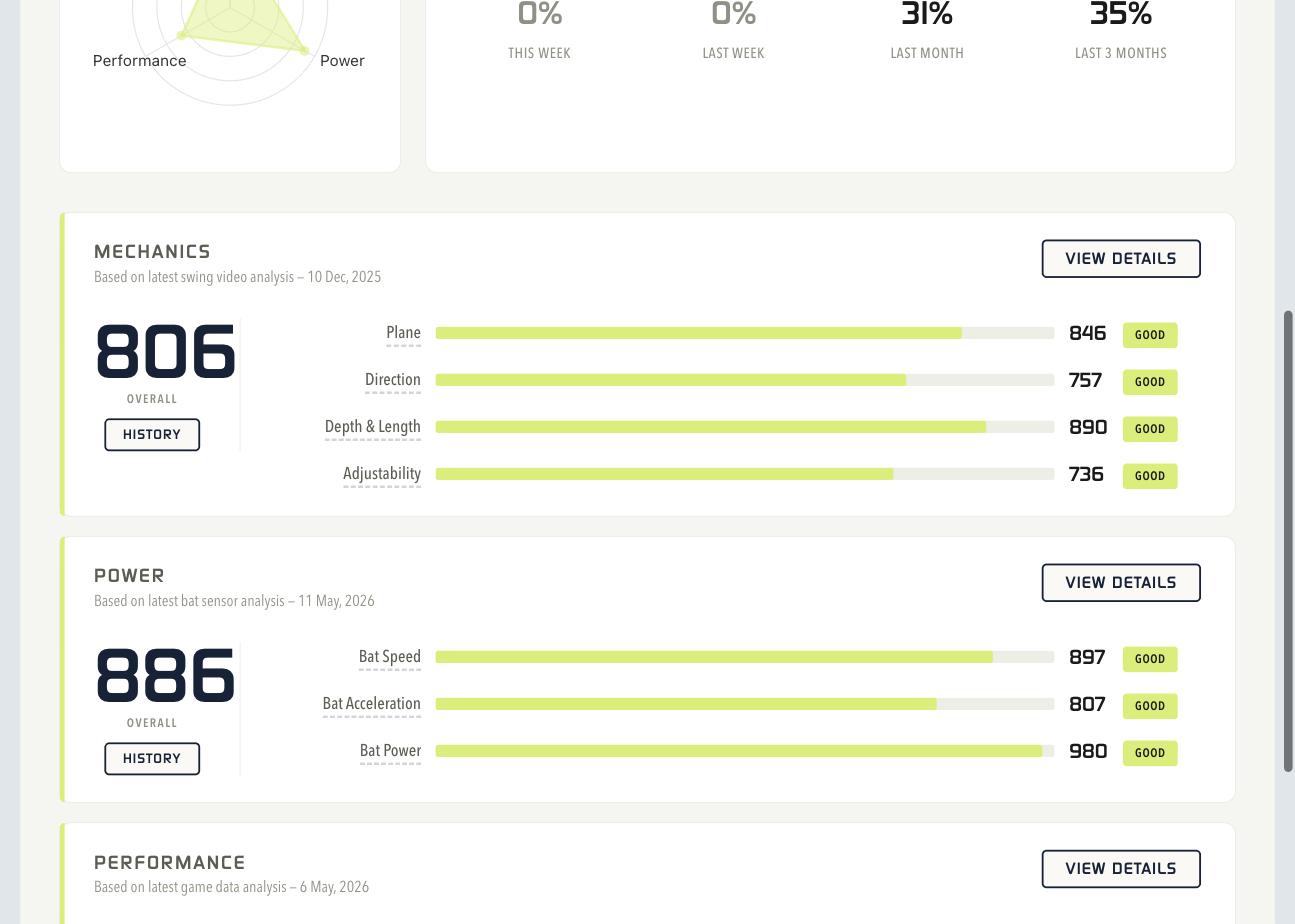
The Score Breakdown Radar is a triangular chart showing relative strength across Swing Mechanics (top), Power (right), and Performance (left) — a balanced equilateral triangle is the goal. The Workouts panel shows completion rates across This Week, Last Week, Last Month, and Last 3 Months. Below, the Mechanics, Power, and Performance summary cards each show an overall score, component bars, and a Good/Okay/Poor/Average/Low result tag, with History and View Details buttons.
1.2 Mechanics Tab
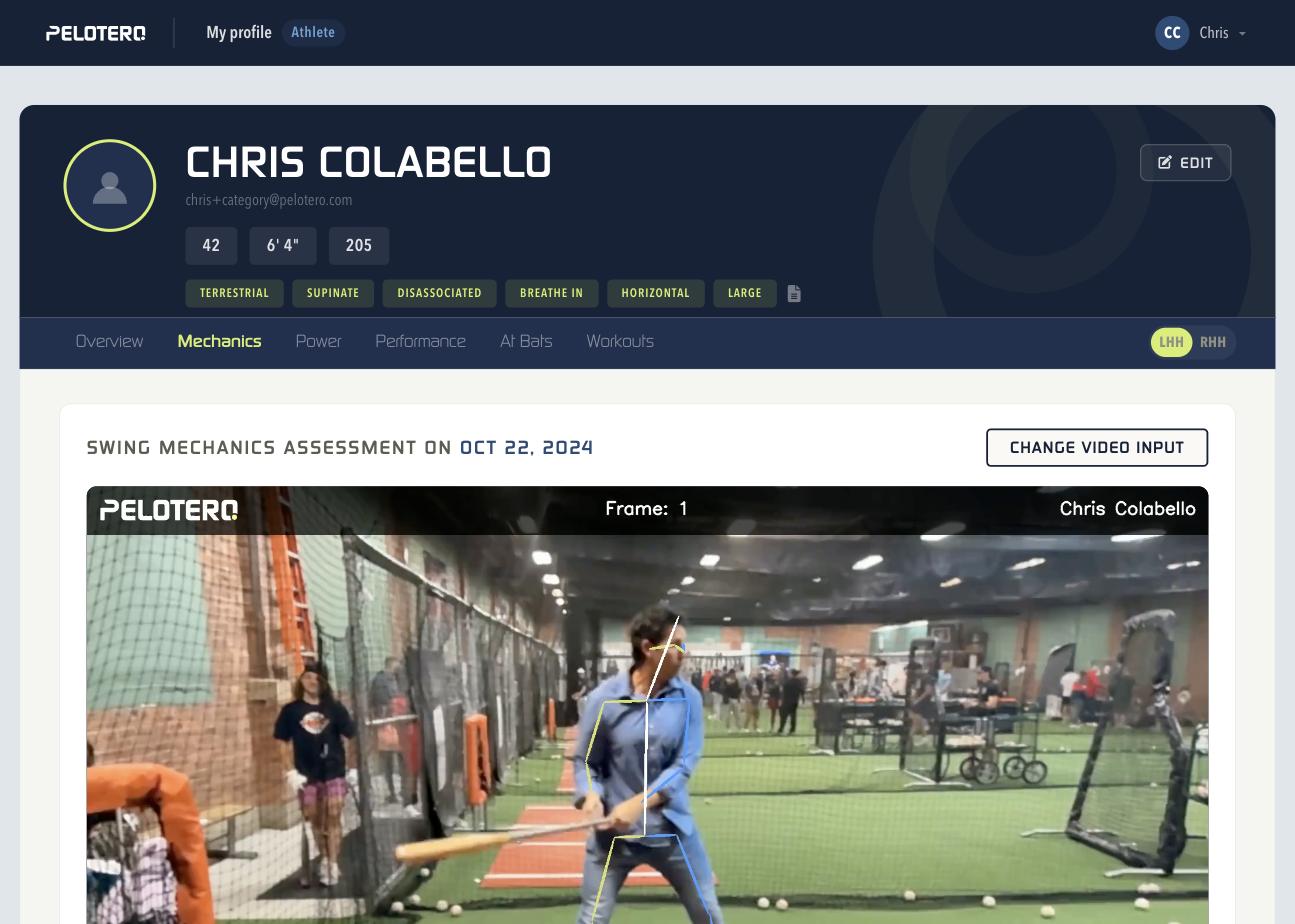
A deep dive into swing video analysis, framed by "Are you getting into key checkpoints at various points in your swing?" At the top is an embedded, date-stamped swing video with pose overlay and a "Change Video Input" button. The analysis is broken into three phases: During Gather (load/setup — head position, shoulder slope), During Load/Launch (stride and launch — hand position, lead arm angle, rear shoulder, shoulder shift efficiency, rear elbow), and During Contact (head position, lead hip movement, spine angle). Each checkpoint is rated Great/Okay/Poor with an explanation and a "View Demo" link.
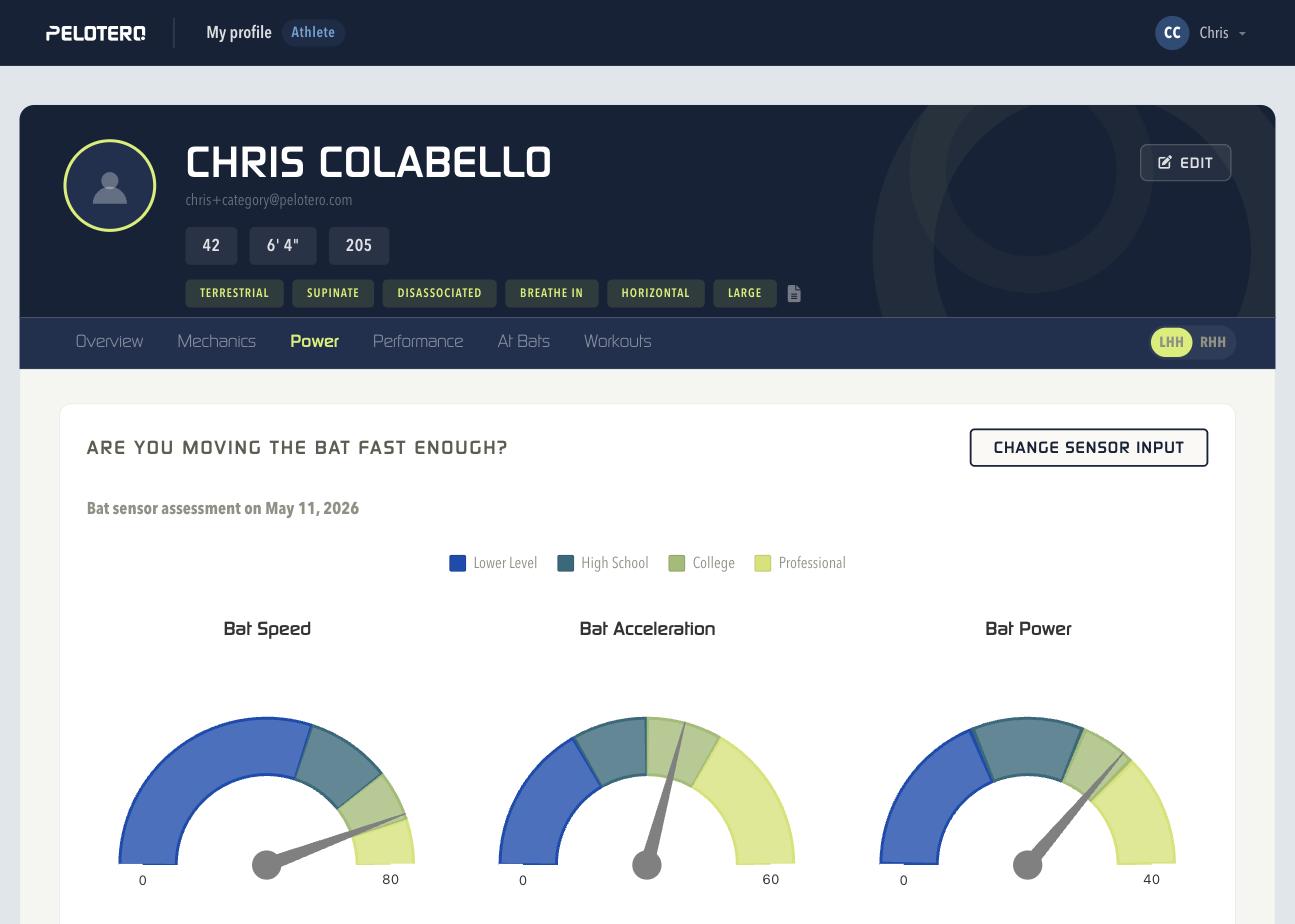
1.3 Power Tab
Answers "Are you moving the bat fast enough?" using bat sensor data. Three gauge charts display Bat Speed, Bat Acceleration, and Bat Power against benchmarks for Lower Level, High School, College, and Professional competition.
1.4 Performance Tab
Tracks in-game data, filterable by Session Type and Time Frame. Key gauges include "How often are you safe?" (benchmark 30–50%) and "Are you recognizing the types of pitches thrown?" (elite players 80%+), plus swing-decision breakdowns for balls/strikes and contact quality.
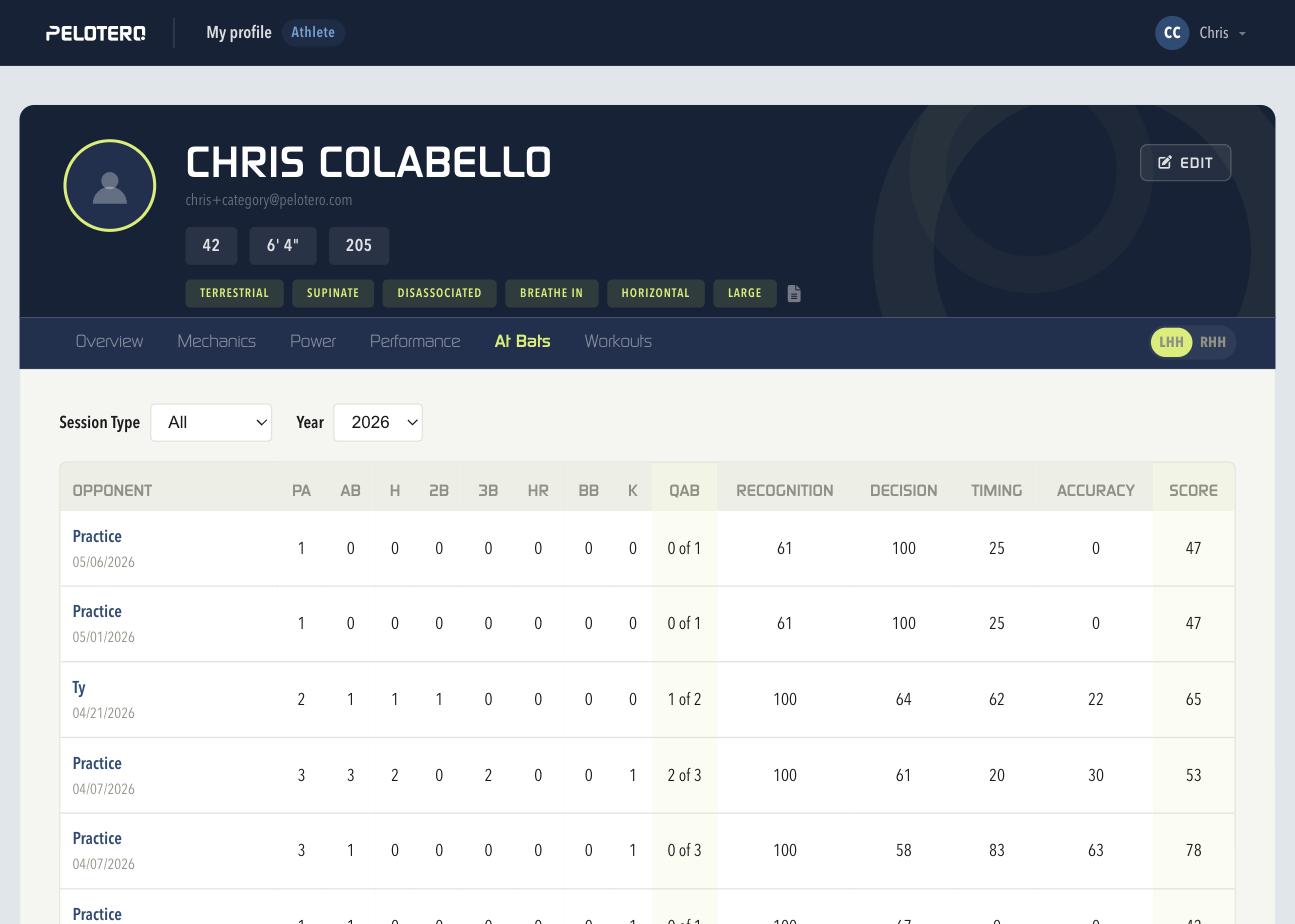
1.5 At Bats Tab
A detailed log of individual sessions — Practice or a named opponent — with PA/AB/H/2B/3B/HR/BB/K, Quality At-Bats, and Recognition/Decision/Timing/Accuracy/Score. Clicking a session opens its full Game Report Card.
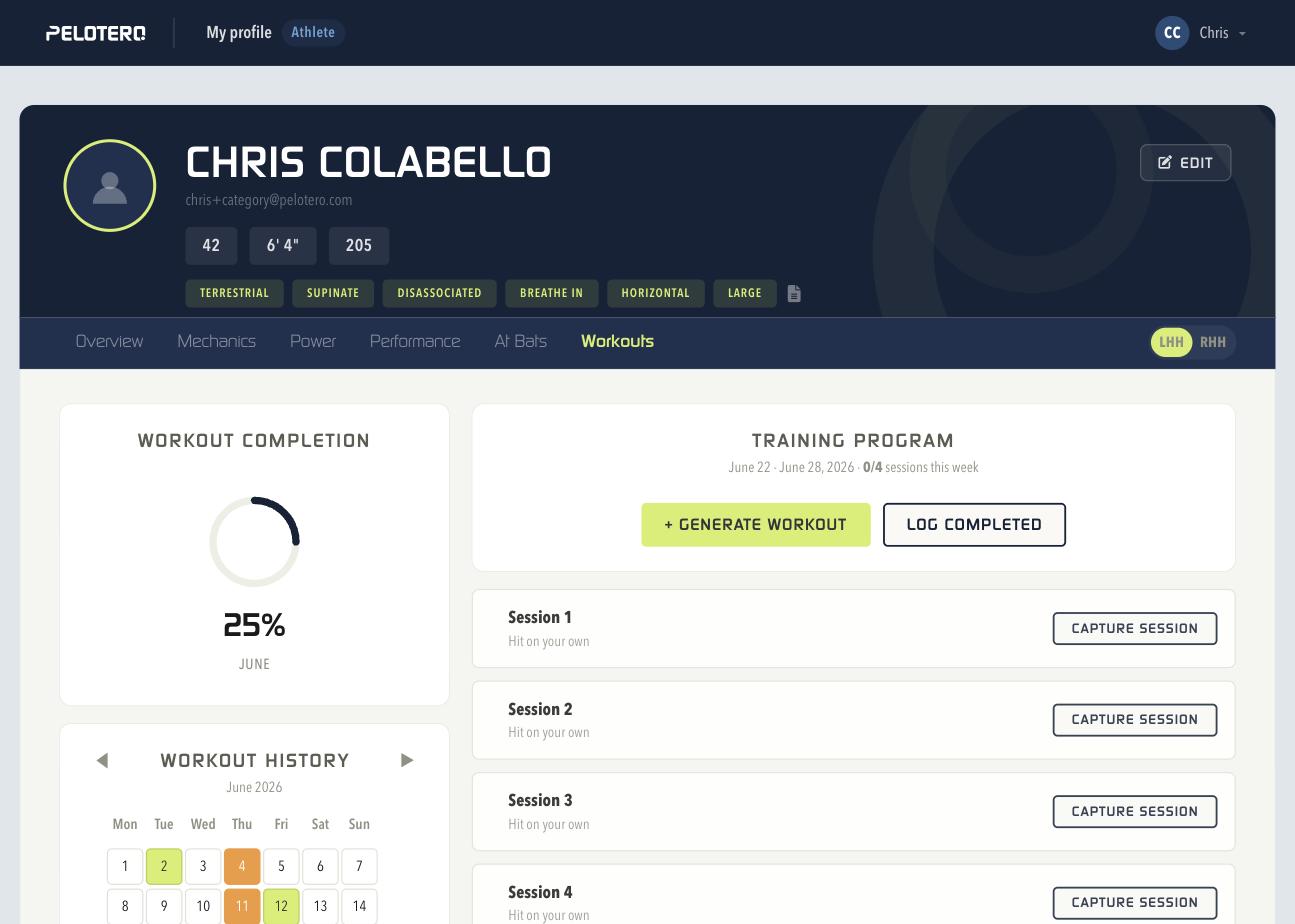
1.6 Workouts Tab
The athlete's personal training hub: a monthly completion ring and calendar on the left, and the current week's Training Program on the right, with "+ Generate Workout" and "Log Completed" actions and a "Capture Session" button per listed session. Athletes can complete sessions from the mobile app as well as the web app.
Was this article helpful?
That’s Great!
Thank you for your feedback
Sorry! We couldn't be helpful
Thank you for your feedback
Feedback sent
We appreciate your effort and will try to fix the article