1. Platform Overview
Pelotero is a baseball player development platform that helps coaches and organizations deliver data-driven, personalized training programs to their athletes. The platform bridges the gap between how players currently perform and their true potential by combining video analysis, bat sensor data, batted ball metrics, and game performance data into a unified intelligence system.
Core Concepts: A Service is the foundational unit of the platform — each represents a specific training offering (team, in-season, camp, clinic, remote, or membership) with its own roster of athletes, programs, and sessions. Player Intelligence is the overall score system built from three pillars: Mechanics, Power, and Performance. Data Collection refers to the input types that power Player Intelligence: Video, Bat Sensor Data, Batted Ball Data, and Game Performance. Hitting Programs are structured weekly training plans assigned to athletes; Hit Sessions are single-day practice events for a group.
Service Types: Team (organized teams with recurring programs), In-Season (active competitors; weekly check-ins and game performance tracking), Camp (short-duration, high-volume events), Clinic (skill-specific group instruction), Remote (athletes training off-site who submit data asynchronously), and Membership (ongoing subscription access).
2. Navigation & Layout
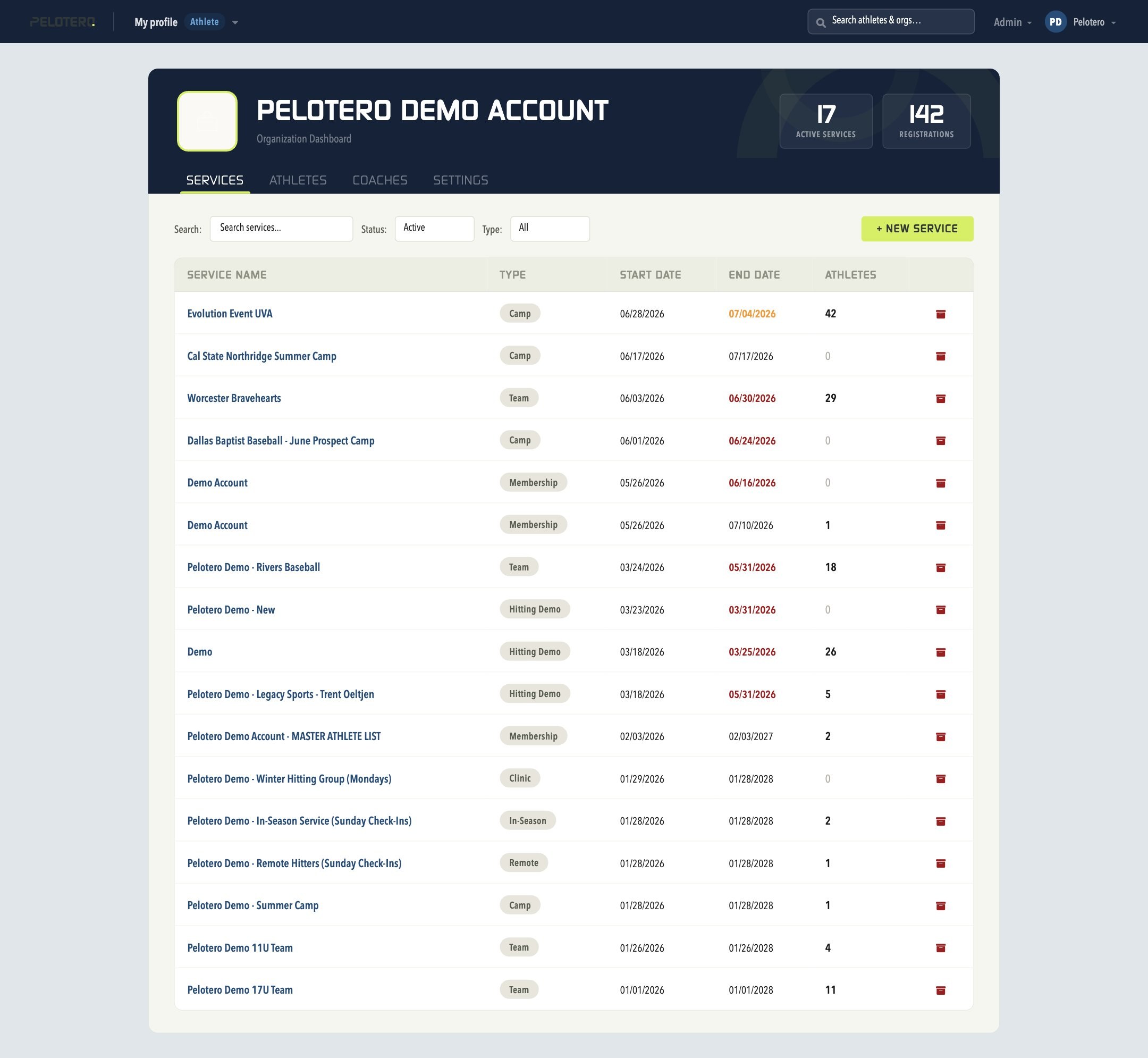
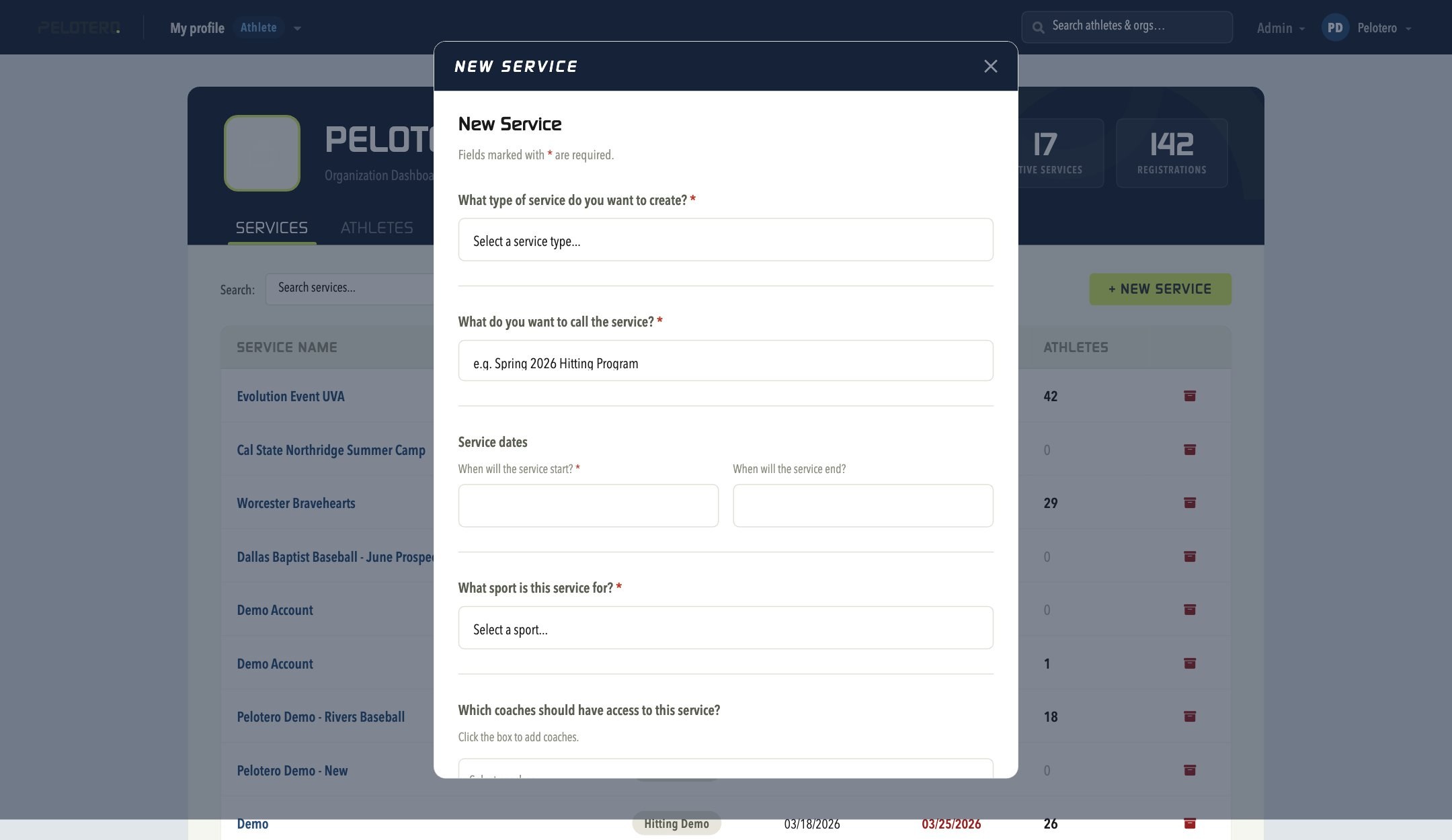
The top navigation bar is present on every page and contains the org name dropdown (quick links to Services, Athletes, Coaches, and Settings), a global athlete/org search bar, and your account menu (My Profile, Admin, and log out). The Organization Dashboard's Services tab shows every service in a sortable, filterable table — Service Name, Type, Start Date, End Date, and Athletes — with Search, Status, and Type filters, and a + New Service button.
3. Service Dashboard
Each service has its own dashboard with four tabs: Dashboard, Athletes, Hit Sessions, and Hitting Programs.
3.1 Dashboard Tab
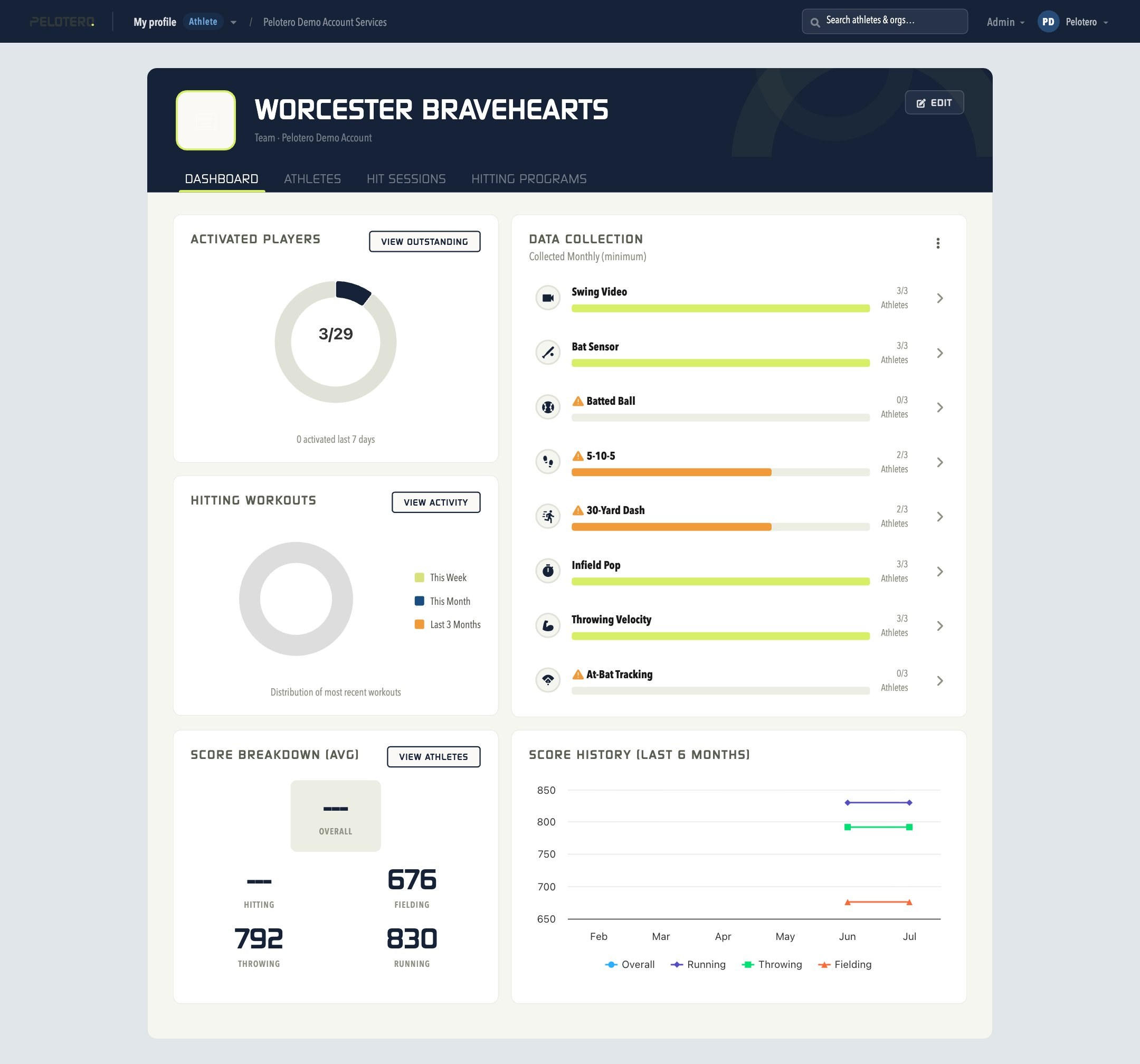
Gives an at-a-glance view of the service's health. Activated Players shows how many athletes have activated out of total enrolled; the "View Outstanding" button shows athletes who haven't activated. Data Collection shows completion status of Swing Video, Bat Sensor, Batted Ball, 5-10-5, 30-Yard Dash, Infield Pop, Throwing Velocity, and At-Bat Tracking, each with a progress bar and an orange warning icon when overdue. Hitting Workouts is a donut chart showing distribution across This Week, This Month, and Last 3 Months. Score Breakdown (Avg) and Score History (Last 6 Months) show average Player Intelligence scores and their trend over time once enough data has been collected.
3.2 Athletes Tab
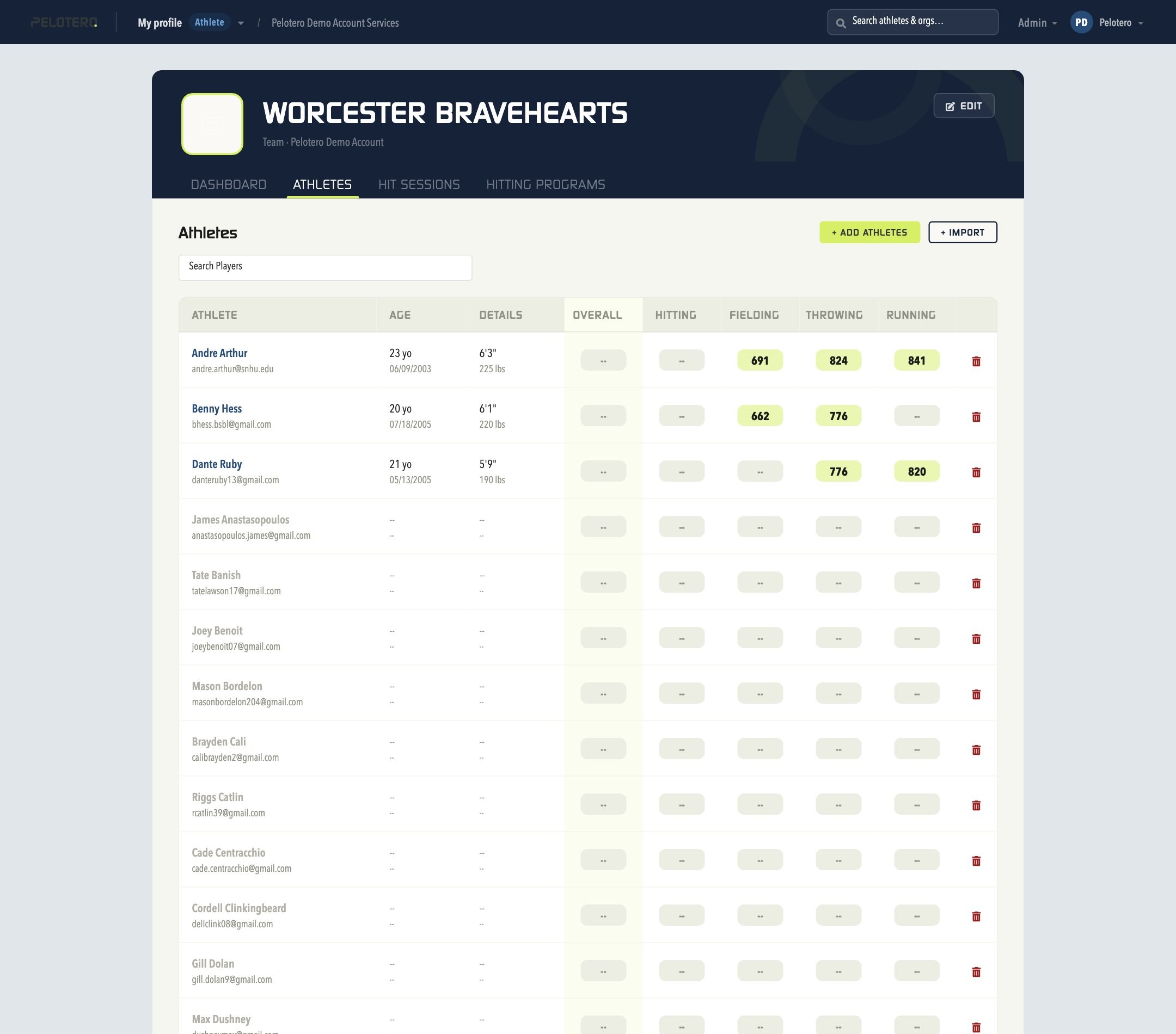
Shows every enrolled athlete with Age, Details (height/weight), and Overall/Hitting/Fielding/Throwing/Running scores. Controls include Search Players, + Add Athletes (pick from existing org athletes), and + Import (bulk CSV roster upload). Click any athlete's name to open their full Player Intelligence profile.
3.3 Hit Sessions Tab
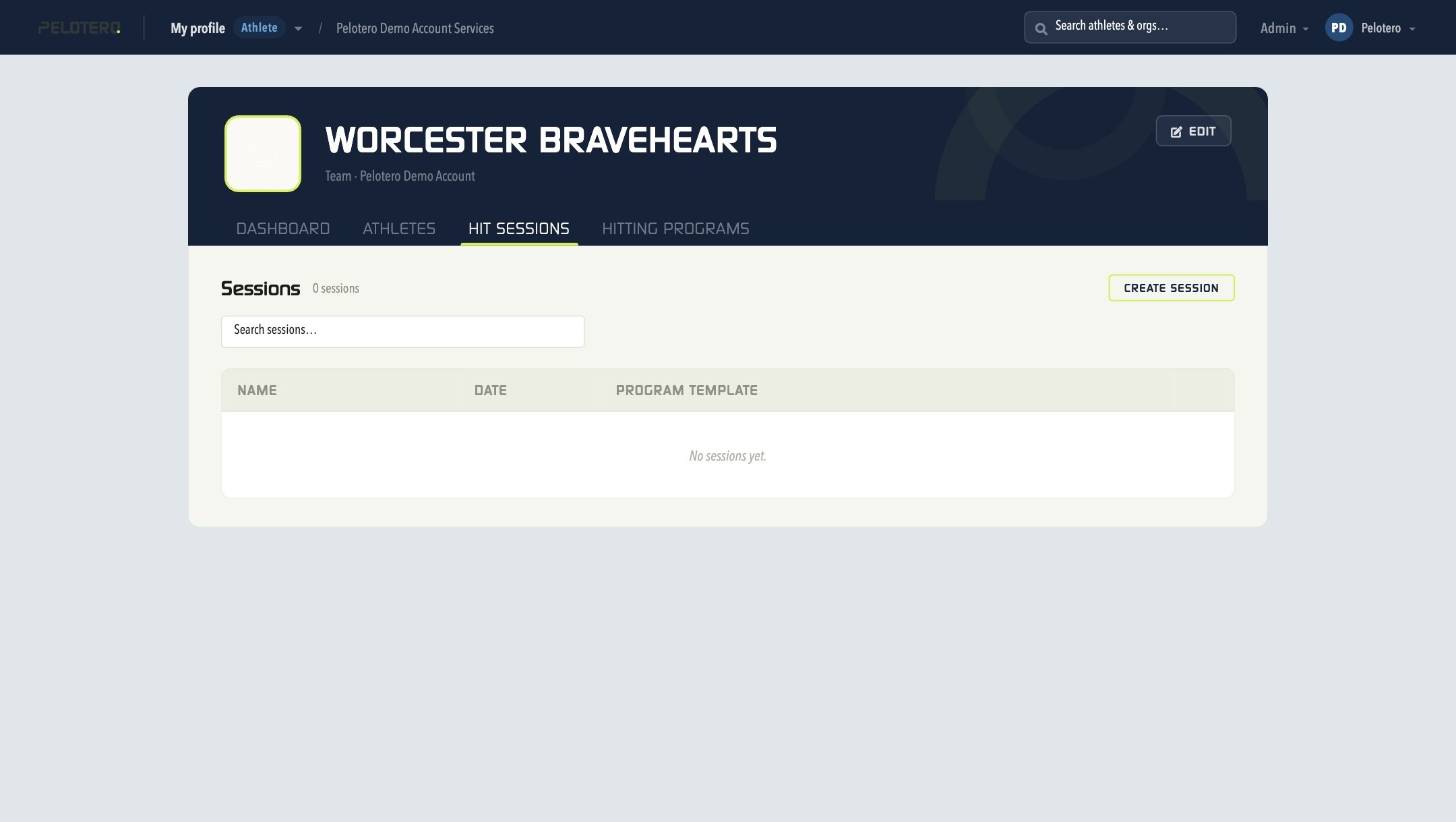
Single-day practice events tied to a program template. Click Create Session, name it, select the date and athletes, and the session appears in the list for any coach on the service to open and run.
3.4 Hitting Programs Tab
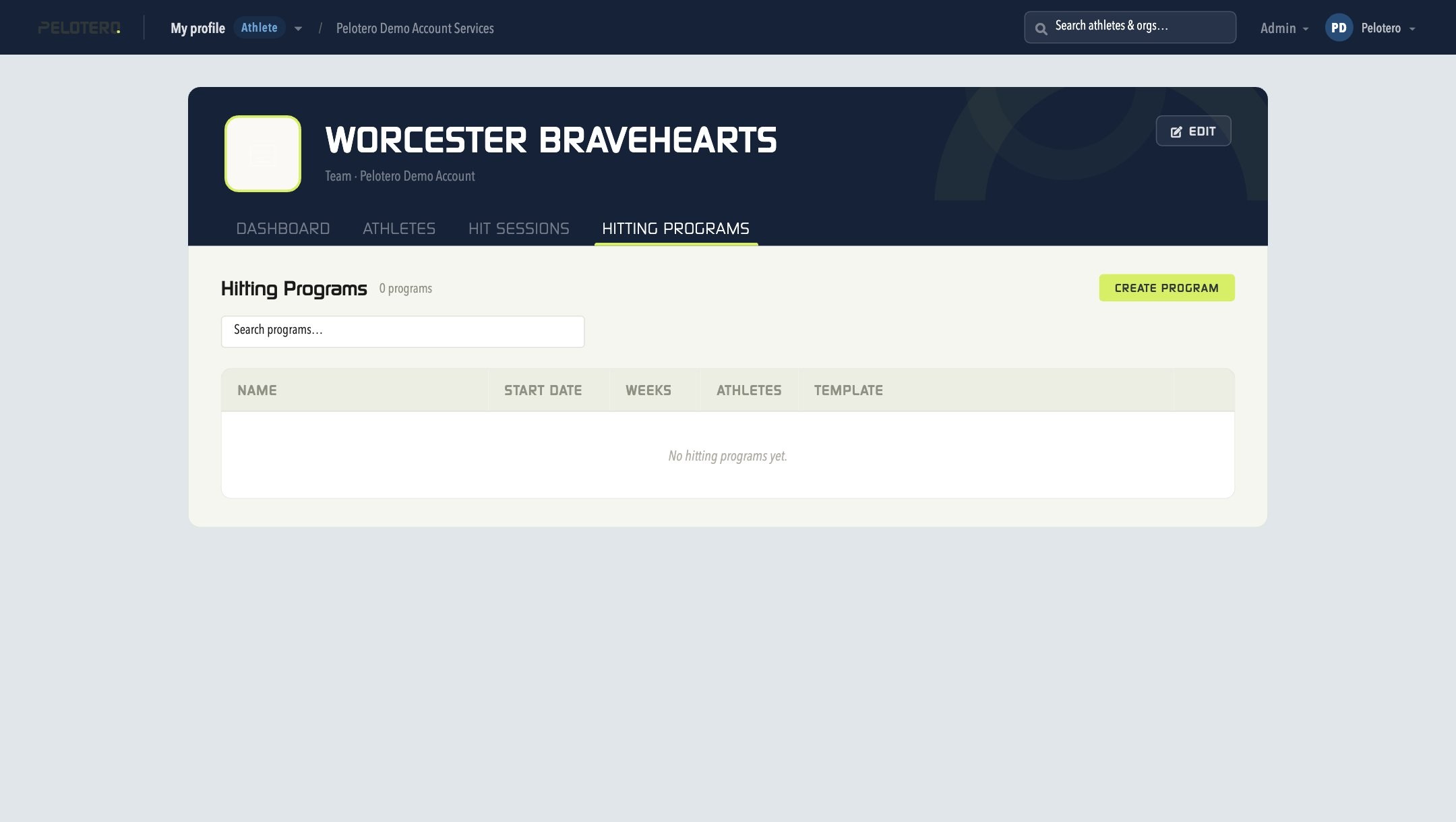
Structured multi-week training plans. Click Create Program, set a start date and number of weeks, assign athletes, and choose a template — a specific cadence based on hitting days per week and ball-delivery type. Assigned athletes see the program appear in their own Workouts tab immediately.
Was this article helpful?
That’s Great!
Thank you for your feedback
Sorry! We couldn't be helpful
Thank you for your feedback
Feedback sent
We appreciate your effort and will try to fix the article